How to Write a CV (UK) in 2026 + CV Examples
Secure more interviews and advance your career. Learn how to make a cv with our expert step-by-step guide and professional templates.

What is a CV (and why it matters)
How to write a CV for UK jobs: Step-by-step guide
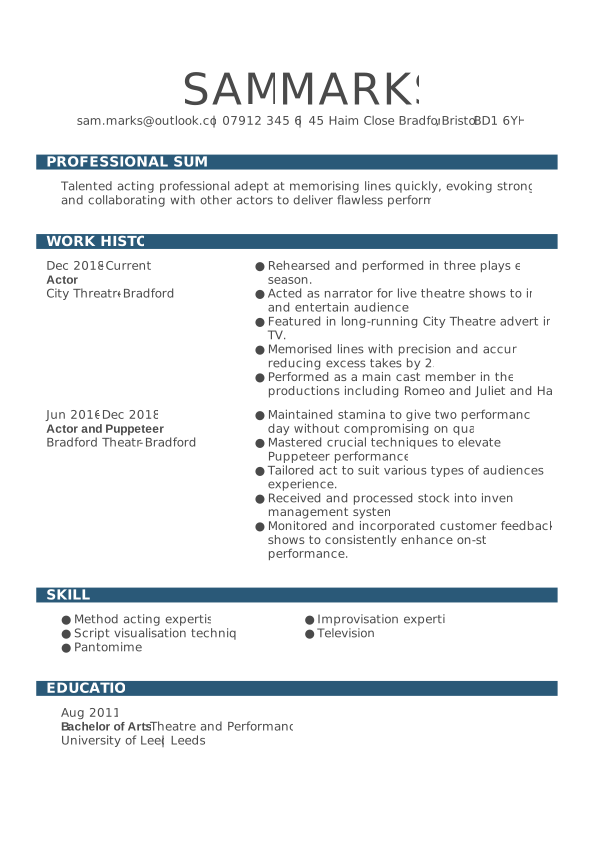
- Contact details
- CV summary
- Work experience
- Skills
- Education/qualifications
STEP 1
Add your contact information
- Full name
- City (no need for a full address)
- Phone number
- Professional email address
- LinkedIn profile or online portfolio (optional but recommended)
STEP 2
Write a strong personal statement
STEP 3
Showcase your work experience
- Job title
- Employer name
- Location
- Dates of employment
- 3–5 bullet points describing key responsibilities and achievements
- The last 10–15 years of work history, or
- Your most recent three to five roles — whichever covers your most relevant experience.
- Managed high-volume customer queries, achieving a 95% satisfaction rating.
- Introduced a new feedback process that reduced response time by 20%.
- Trained and supported three new team members in handling escalations.
- Collaborated with the technical support department to resolve complex customer issues.
- Consistently exceeded monthly performance targets, averaging 110% of KPI goals over 12 consecutive months.
STEP 4
Highlight your skills
- Hard skills: Technical or job-specific abilities (e.g., Excel, coding, SEO, bookkeeping).
- Soft skills: Personal traits that help you succeed (e.g., teamwork, communication, problem-solving).
- Microsoft Office Suite
- Time management
- Data analysis
- Customer service
- Adaptability
- Communication
- Project management
- Attention to detail
- Problem-solving
STEP 5
Include your education
- Degree or qualification
- Institution name
- Year of completion
STEP 6
Choose additional sections (optional but valuable)
- Languages: Spanish (Fluent), French (Intermediate)
- Certifications: Google Analytics Certified, 2024
- Volunteering: Mentor for The Prince’s Trust Youth Programme
- Awards: Employee of the Month, 2023
- Hobbies/Interests: Travel writing, photography, cycling
STEP 7
Optimise your CV for ATS
- Use standard headings like Work Experience, Education, and Skills.
- Avoid images, tables, or complex layouts that ATS software may not read correctly.
- Include relevant keywords from the job advert naturally throughout your CV — especially in your skills and experience sections.
- Use a clean, professional CV template designed for ATS compatibility. A simple, text-based layout ensures your information is read accurately by both software and human reviewers.
CV templates: The easy way to write a professional CV
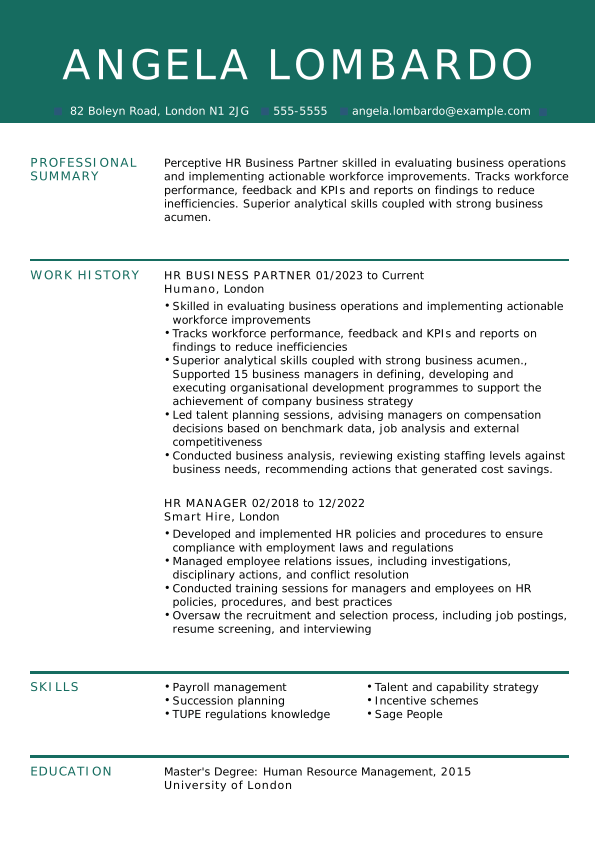
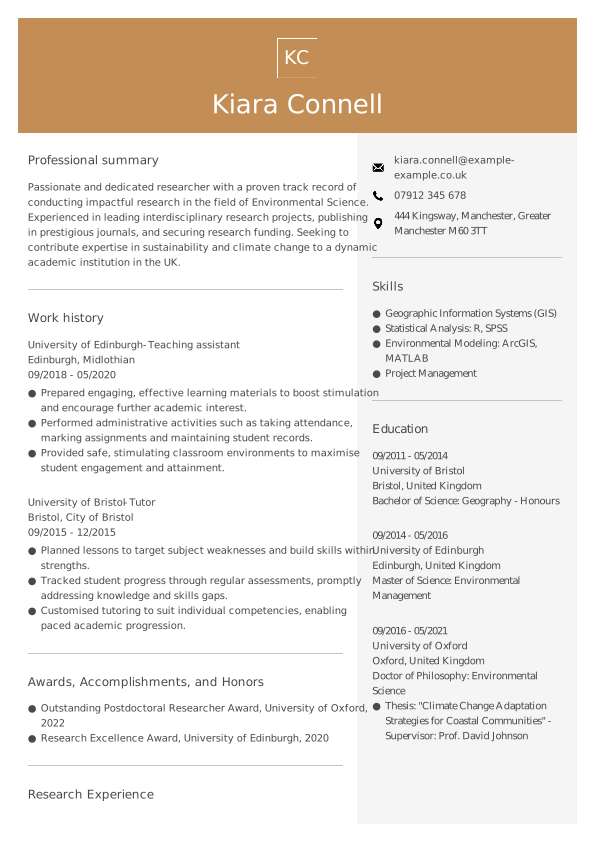
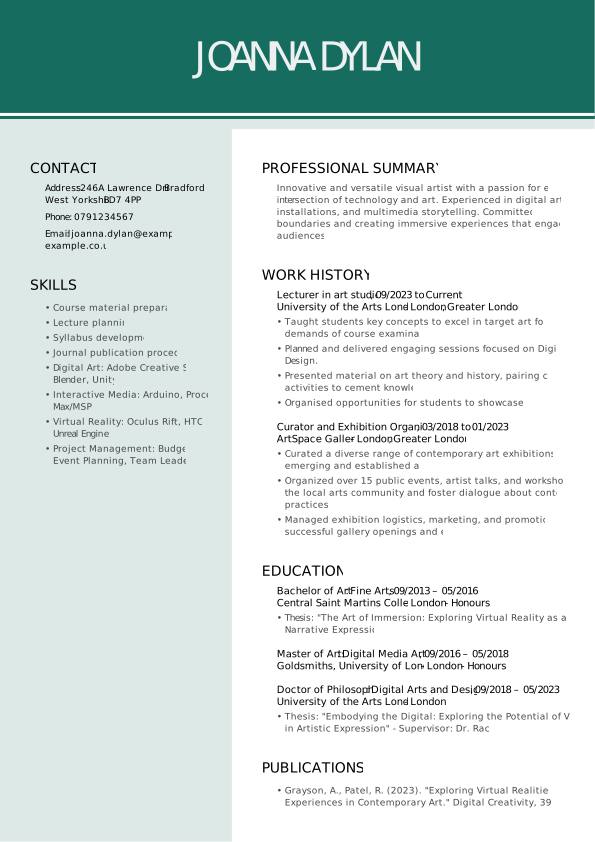
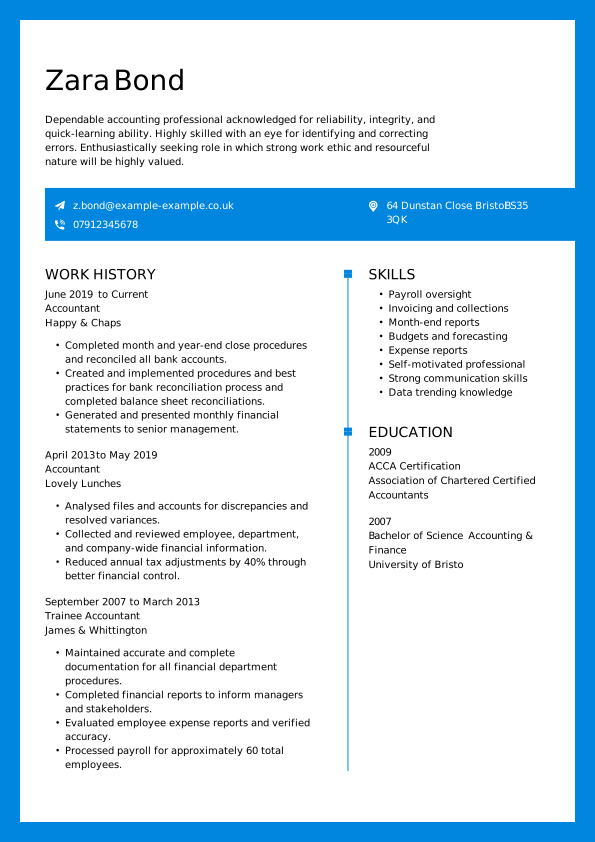
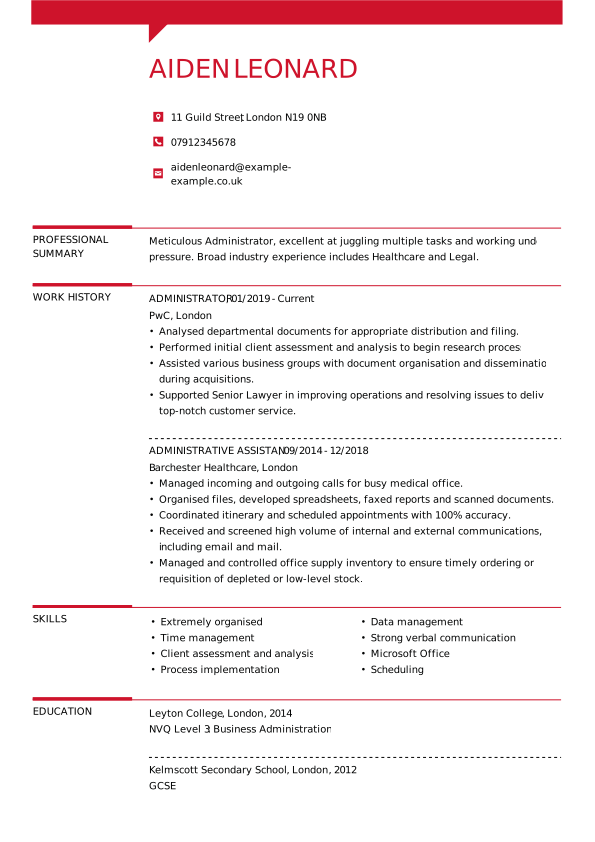
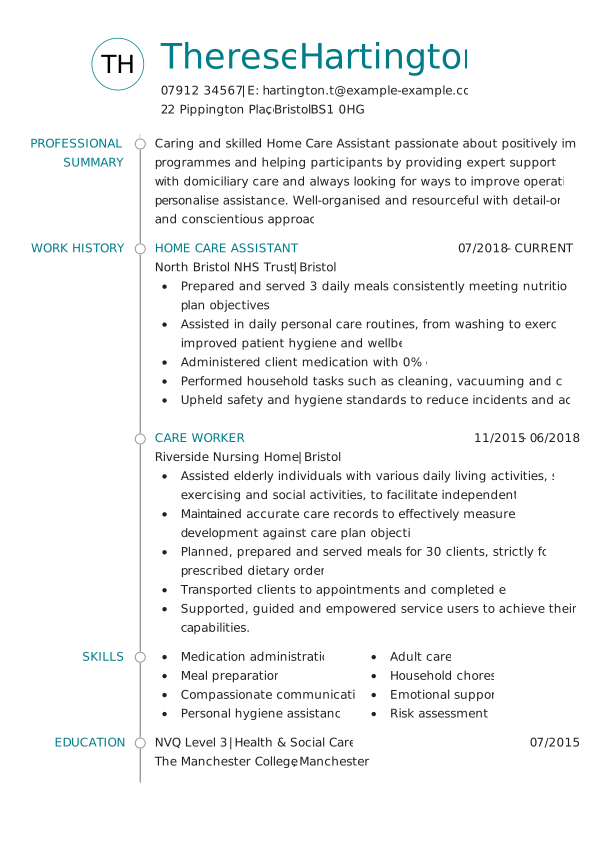
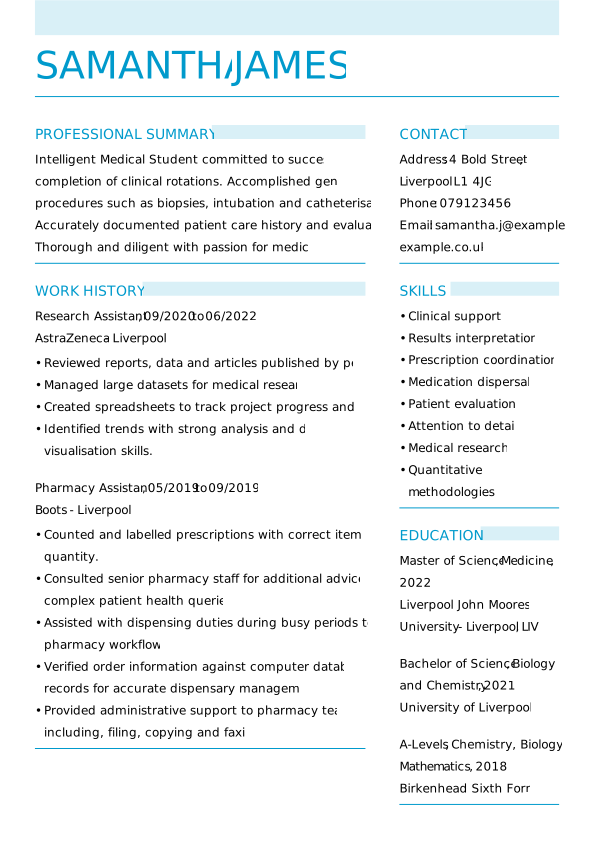
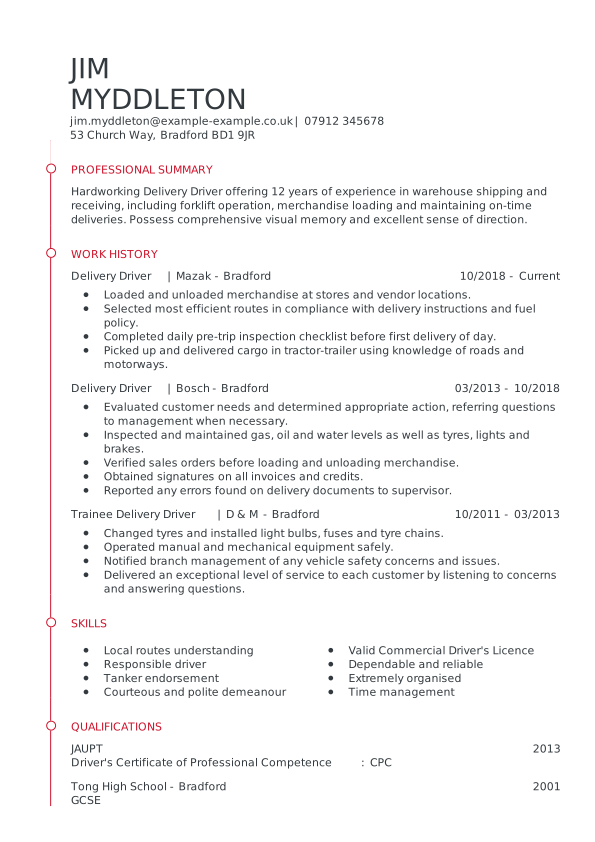
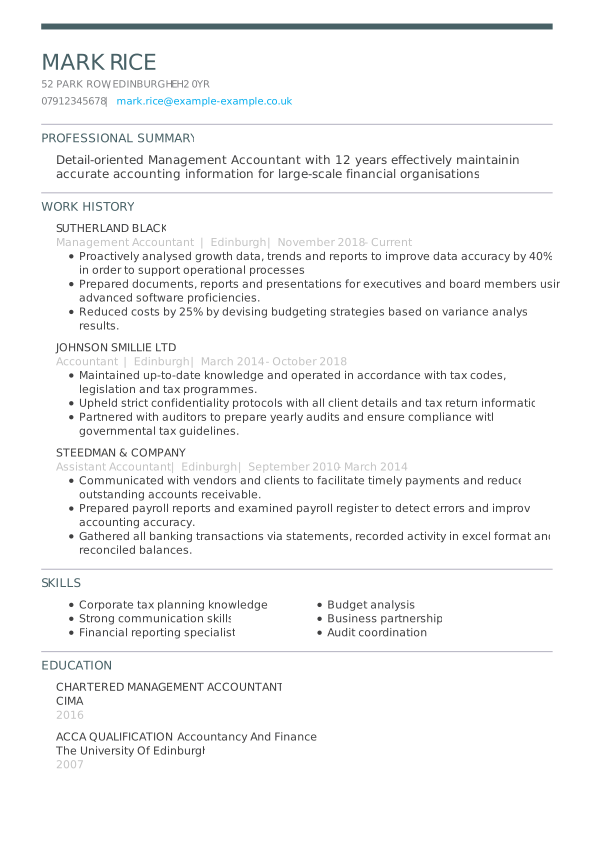
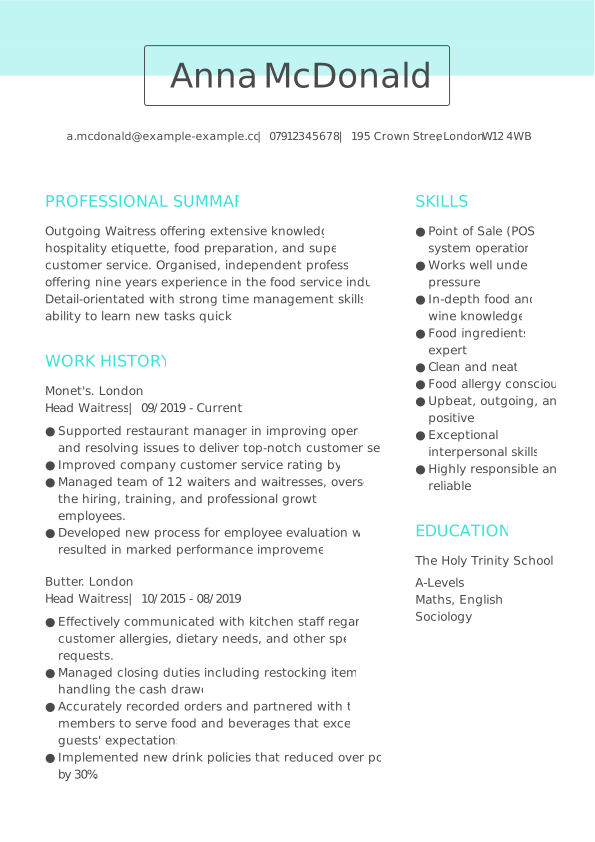
- ATS-friendly design: Templates from My Perfect CV are built to meet UK recruiter standards and pass Applicant Tracking Systems (ATS) with ease.
- Professional appearance: Choose from modern, creative, or traditional designs that match your industry and style.
- Saves time: Pre-set sections for contact details, personal statement, skills, and experience mean you can focus on the writing, not the formatting.
- Expert content support: Each template includes pre-written examples tailored to your job title.
- Customisable and export-ready: Download your CV in PDF or Word format, ready to send to employers.
Common mistakes to avoid when writing a CV
Spelling or grammar mistakes
Using the same CV for every job
Writing long, dense paragraphs
Focusing on duties instead of achievements
Poor layout and formatting
Including unnecessary personal details
Overloading your CV with too much information
Writing a CV for different roles

- How to write a CV for UK Job Applications
- How to write a CV with No Work Experience
- How to write a CV as a Student
- How to write a CV for a Customer Service Job
- How to write a CV for Your First Job
- How to write a CV as a Teenager
Pro tip: Each profession values different strengths. Tailoring your CV for your industry can make a big difference — but the core writing principles in this guide still apply to every role.
What should a CV look like?
- Use a clean, easy-to-read layout with clear headings and plenty of white space.
- Be one to two pages long, depending on your experience.
- Use a professional font such as Arial or Calibri, size 10–12.
- Keep colour subtle — a touch of contrast is fine, but avoid bright designs.
- Be saved as a PDF to preserve formatting when you send it.
Should you use AI to write a CV?
Smart ways to use AI when writing your CV
- Conducting research into job descriptions and industry language.
- Helping you structure your CV clearly.
- Suggesting strong action verbs and phrasing for your achievements.
- Using AI-generated templates to speed up formatting.
- Proofreading your final document for grammar and tone.
When not to rely on AI
- Write your entire CV or personal statement from scratch.
- Invent or exaggerate your experience or skills.
- Copy and paste generic AI output without editing — it’s easy for recruiters to spot.
Key takeaways: How to write a CV
FAQ: How to write a CV
How to write a good CV for UK job applications
How to write a good CV with no work experience
- Start with a strong personal statement that highlights your key qualities, interests, and career goals.
- Focus on your education:
- List your degrees or qualifications
- Include relevant coursework or academic projects that show off your skills and knowledge
- Add volunteer work or internships, even if they aren’t directly related to the role. They can still show useful experience like teamwork, organisation, or communication.
- Include extracurricular activities or hobbies that demonstrate valuable skills:
- Leadership (e.g. captain of a sports team)
- Teamwork (e.g. group projects or clubs)
- Initiative (e.g. running a blog or tutoring)
- Highlight transferable skills, such as:
- Communication
- Problem-solving
- Time management
- Digital literacy
- Keep your CV clear and well-organised:
- Use bullet points
- Stick to a simple layout with easy-to-read fonts
- Tailor your CV to the job advert. Show how your skills and experiences match the employer’s needs, even if you haven’t held a formal job before.
How to write a good CV as a student
- Your key strengths and interests
- Career goals
- Relevant coursework or extracurricular activities
- List your degree, qualifications, and predicted or achieved grades
- Mention relevant coursework, projects, or research that shows off your knowledge and skills
- Highlight leadership roles or involvement in clubs and societies
- Communication
- Teamwork
- Time management
- Problem-solving
How to make a CV at 16
- Full name
- Address
- Phone number
- Professional-sounding email address
- Your strengths and interests
- Career goals
- Relevant hobbies or achievements
- Name of your school
- Dates attended
- Subjects you’re studying
- Predicted or achieved grades
- Part-time jobs
- Volunteering
- Internships or work placements
For each, mention the organisation, your role, and your main responsibilities.
- Computer or IT skills
- Communication or teamwork abilities
- Languages
- Awards or school achievements
How to write a CV for a customer service job
How to make a CV for a job in retail
- customer service,
- product knowledge,
- sales techniques.
How to write a CV for a teacher
How to make a CV for a project manager
How to write a good academic CV
- Finally, ensure your CV is well formatted with clear headings and bullet points and has no spelling or grammatical errors.
- As with any CV, start with your personal details, including your name and contact information.
- Add a personal statement that highlights your research interests, academic achievements, and career goals.
- Then, list your academic qualifications, including degrees obtained, institution name, and attendance dates. Don’t forget to mention any research or academic positions you’ve held, including teaching assistant, research assistant, or lecturer positions.
- Highlight your academic achievements, including any publications, conference presentations, and grants or awards received.
- List any relevant skills, such as research methodology, data analysis, or language skills.
- Mention any professional memberships or affiliations, such as being a member of scientific societies or serving as a reviewer for scientific journals.
- Academic CVs usually include references. You should add these at the end, but before you do, make sure that the people you list consent to this.
How to make a CV for first job applications
- Teamwork
- Communication
- Time management
- IT skills
The easiest way to create your perfect CV
- 30+ professionally designed CV templates with multiple colour and style options
- Thousands of expert-written bullet points for any job – just click and add to your CV.
- Unlimited sharing and downloading in multiple formats (PDF, DOC and more).