
CV Meaning & What to Include in a CV
Land your dream job by learning what is a CV and what to include. Build a professional, UK-ready application with our expert guide today.

Our customers have been hired by : *Foot Note
A CV, or Curriculum Vitae, is a professional document used to show employers your experience, qualifications, and key skills when applying for a job. A good CV presents your background clearly and highlights relevant achievements.
Quick outline:
- A standard CV includes contact details, a personal profile, work experience, education, and skills.
- Tailor your CV to each role by matching your experience and keywords to the job description.
- Use clear formatting, readable fonts, and structured sections to improve readability.
- Focus on achievements and measurable results rather than simply listing responsibilities.
- Most UK CVs are one to two pages long, depending on your experience level.
Smarter writing with built-in AI
Get instant, high-quality text suggestions tailored to your specific industry.
CV full form
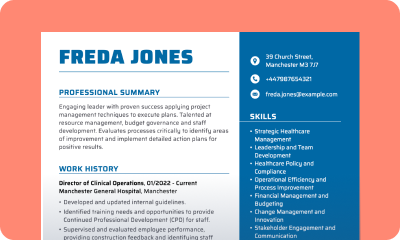
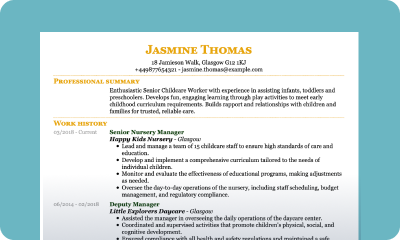
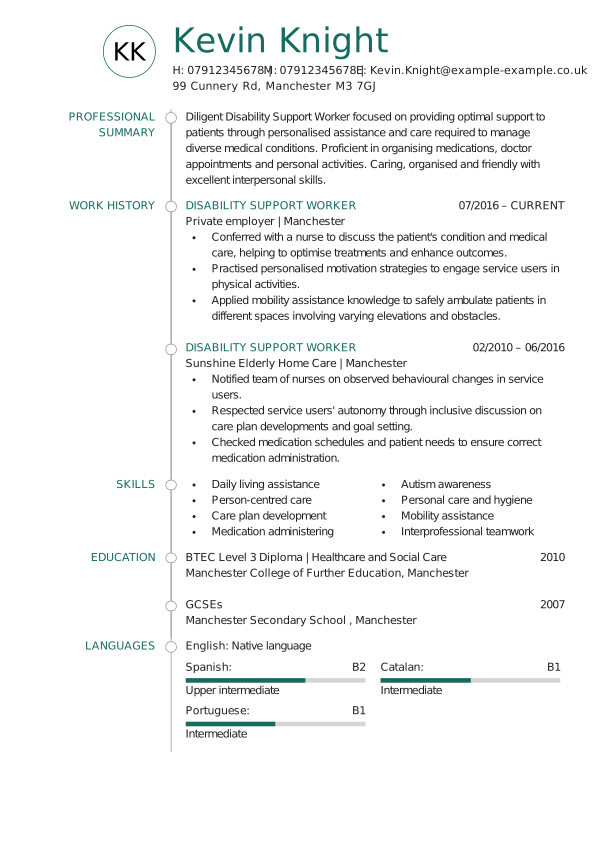
The image below shows a full-form CV example, including all key sections typically expected in a UK job application. It provides a clear view of the standard CV layout and structure used in the UK.
- 1
- 2
- 3
- 4
- 5
- 6
Components of a full-form CV
The main components of a CV in the UK typically include:
Contact details
This includes your full name and contact information, such as phone number, email, and current address. It should be located at the top of the CV.
Personal statement
The personal statement is a brief paragraph that summarises your professional profile. It may include information about your skills, experience, and career objectives. It is typically 2-4 sentences long and located at the top of the CV.
Work experience
This is often the most important part of a CV and often the first section employers look at. List previous roles in chronological order, including the company name, job title, dates of employment, and a summary of key responsibilities and achievements. Focus on experiences that are relevant to the job you are applying for.
Skills
This section highlights the key abilities that support your job performance. Include both hard skills, such as specific software, languages, or technical knowledge, and soft skills, like communication, teamwork, and problem-solving. Tailor the skills listed to match those most relevant to the job you are applying for.
Education
The education CV section details your academic background, listing the institutions attended, qualifications earned, and graduation dates. Include any relevant courses or certifications that support your suitability for the job.
Additional information
Here you can highlight any notable achievements or awards you have received throughout your career, such as publications, patents, or other recognitions, as well as mention your language skills, hobbies, and interests.
What is a CV, and what should it include
To help you quickly grasp what a CV is and what it needs to include, we’ve prepared a short, yet detailed video that explains just that. If you’d rather read the article, the full breakdown with examples continues below.
What is a CV for?
The purpose of a CV (Curriculum Vitae) is to provide a clear and structured summary of qualifications, work experience, skills, achievements, and other relevant details. It helps employers, academic institutions, or funding bodies evaluate whether a candidate is suitable for a specific opportunity. Essentially, it is the tool that gets you shortlisted for an interview.
When applying for a job
This is the most common use of a CV. Employers use it to assess a candidate’s background, including employment history, education, and key skills. A well-written CV can determine whether an applicant is shortlisted for an interview.
When applying for an academic position
An academic CV is more detailed and can span several pages. It includes teaching experience, research work, publications, presentations, and academic achievements.
When applying for a grant or funding
Funding bodies may request a CV as part of the application process to evaluate professional background and previous accomplishments.
When networking
A strong CV can also be useful when building professional connections. Sharing a well-crafted CV helps introduce skills and experience to new contacts and can open up future opportunities.
What does a CV look like in 2026?
A strong CV in 2026 should be clear, concise, and tailored to the role. While the design may vary depending on experience, country, or industry, most CVs follow a well-structured layout and include the following key elements:
Professional CV format
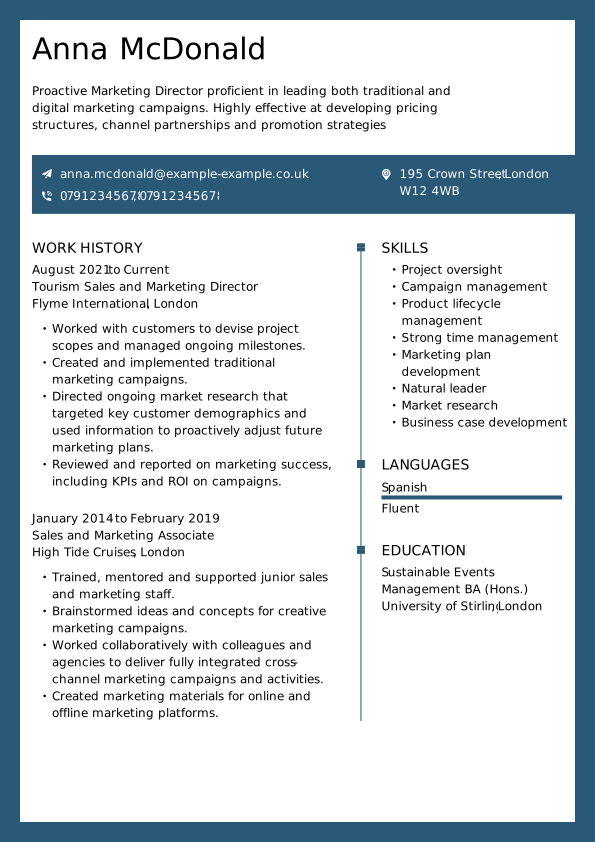
The correct CV format ensures the CV is easy to read. The most widely used format in the UK is the chronological format, where your most recent work experience appears first.
Tailored to the job
A strong CV should be adapted to each role or industry. Highlight relevant skills, experience, and achievements that match the job description. Use keywords from the job posting to show alignment with the role.
Header with contact details
Include full name, phone number, email address, and optionally a LinkedIn profile or portfolio link at the top of the page.
Personal statement
Also known as the About Me section, this short paragraph (2–4 sentences) provides a brief overview of career goals, key skills, and relevant experience.
Work experience
Listed in reverse chronological order, this section outlines past roles, including job titles, company names, dates, and key responsibilities. Include 3–4 bullet points under each role to demonstrate achievements and impact. This is typically the most important section employers review.
Skills
Include a combination of hard and soft skills relevant to the job. These might cover technical abilities, language proficiency, or interpersonal strengths such as teamwork or communication.
Education and qualifications
List relevant academic achievements, including degree titles, institutions, and dates of graduation.
References
Include referees or a simple note stating that references are available on request, if required.
Additional CV format tips:
- Use bullet points to list your skills and work experience, making the content easier to scan.
- Keep your CV 1 or 2 pages maximum.
- Keep formatting consistent throughout the document. The easiest way to keep consistent formatting is to use a CV template.
While most CVs follow a similar structure, the appearance of a CV can vary depending on factors such as job title, level of experience, industry, country, and chosen CV format. From modern visual layouts to different country formats, each version serves a different purpose and audience. Below are examples of what different types of CVs typically look like:
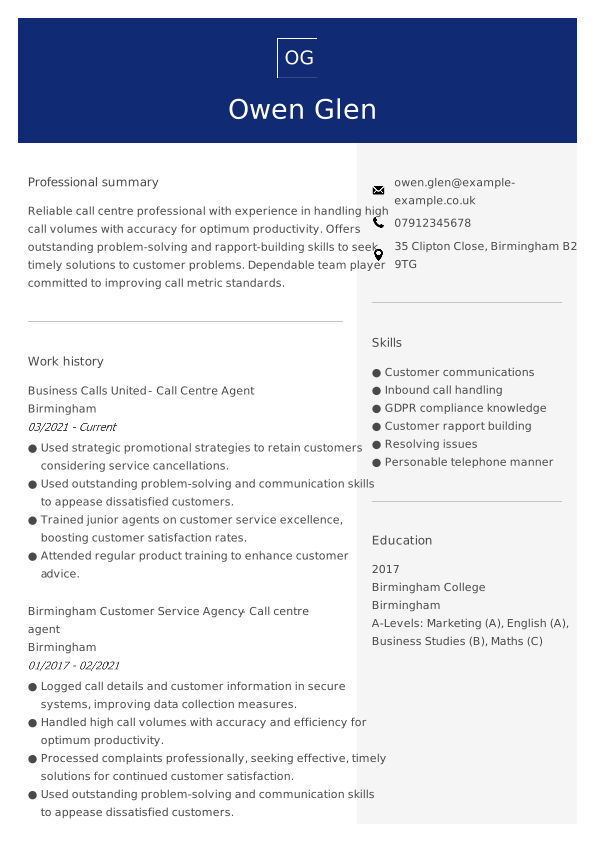
British CV format
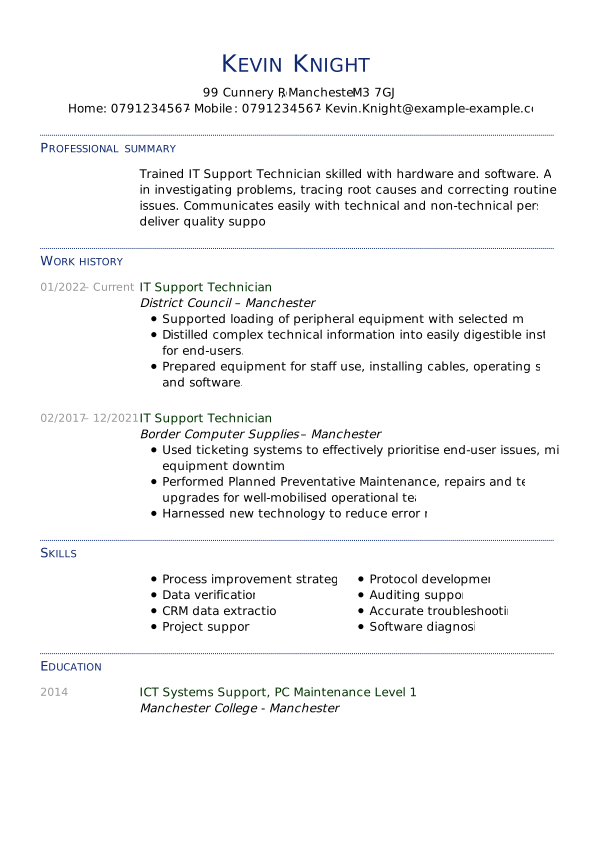
A standard British CV fits on one page, generally doesn’t feature a photo, and includes a Personal Statement section, sometimes known as a Professional Summary, as well as information about your experience, skills, and qualifications.
Modern CV format
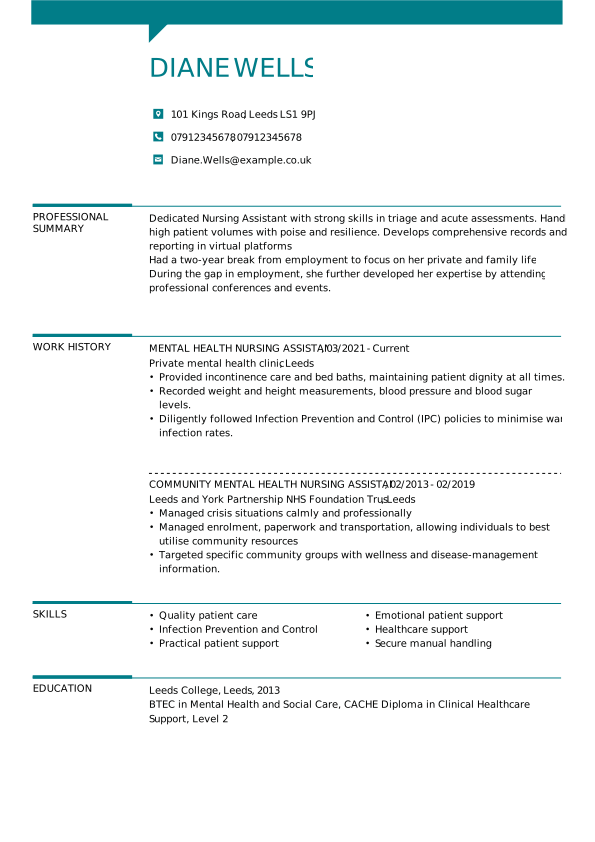
A modern CV uses clean, professional formatting with a touch of contemporary design. It may include subtle use of colour, clear section dividers, or minimal icons to improve visual appeal without distracting from the content.
Modern CVs are typically one page long, use easy-to-read fonts (usually size 12), and maintain a strong focus on clarity and structure.
Chronological CV format
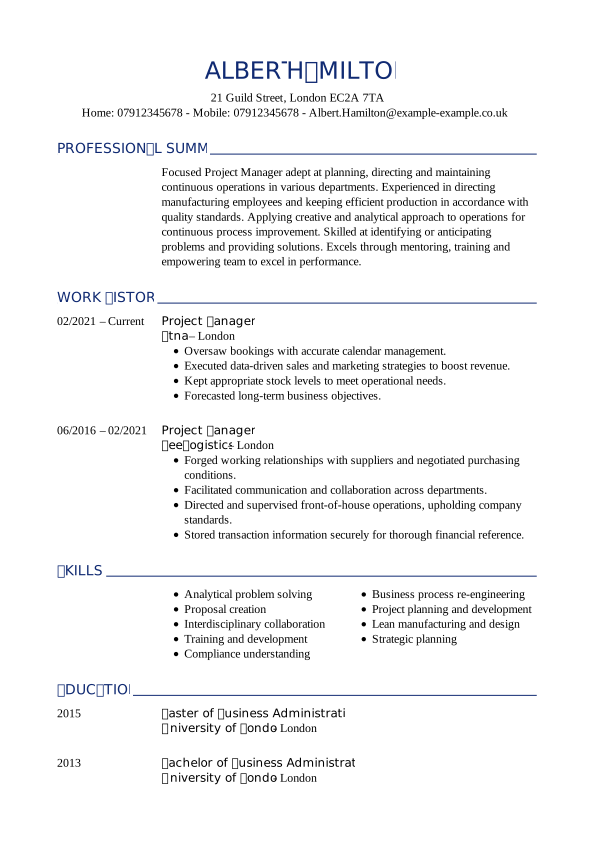
A chronological CV presents work experience and education in reverse chronological order, placing the most recent information at the top of each section. In this format, the Work Experience section typically appears higher up on the page, as it is often the most important part for employers. This is the most common CV format used today.
What should a CV look like in PDF format?
A CV in PDF format should follow the same principles as any well-crafted document: it must be clear, professional, and easy to read. The key difference lies in how the file is saved and shared. In general, keep the file size small for easy uploading or emailing, and use a clear, descriptive file name such as Anna-McDonald-Accountant-CV.pdf
What should a CV look like in Word format (free)?
A CV in Word format includes all the essential elements such as personal details, work experience, education, skills, and more. It allows easy editing and customisation, making it a flexible option for creating or updating a curriculum vitae at any time.
However, maintaining consistent formatting can be more challenging compared to using a CV template.
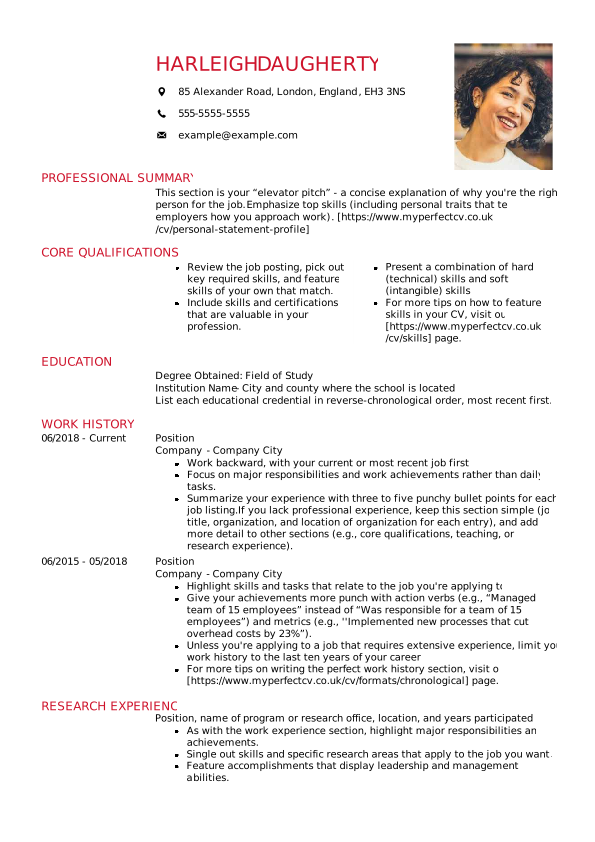
What should a CV without experience look like
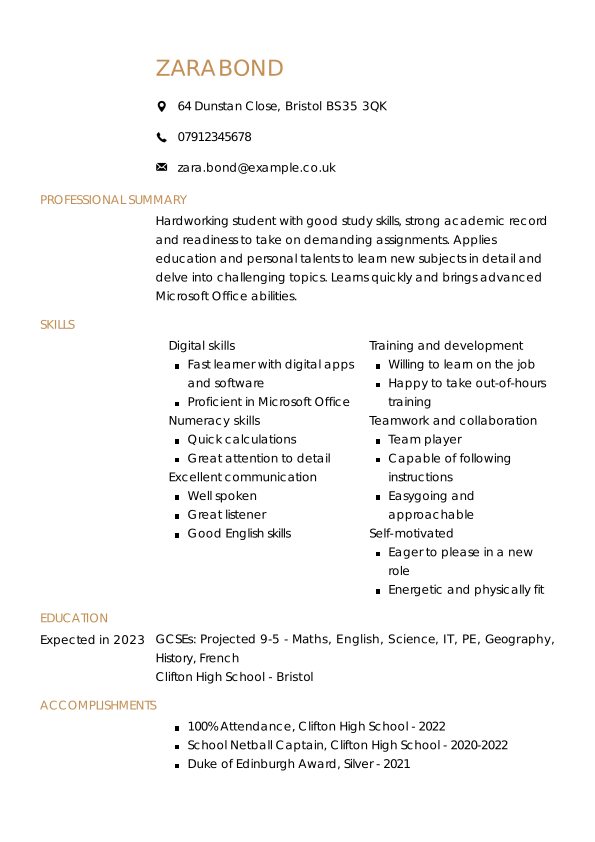
A CV without experience should focus on strengths beyond formal employment. Emphasise education, key skills, achievements, and any activities that demonstrate potential.
The most common approach is to use a skills-based CV, highlighting transferable abilities such as communication, organisation, or digital literacy. Alternatively, the experience section can include relevant extracurricular activities, volunteering, or school projects.
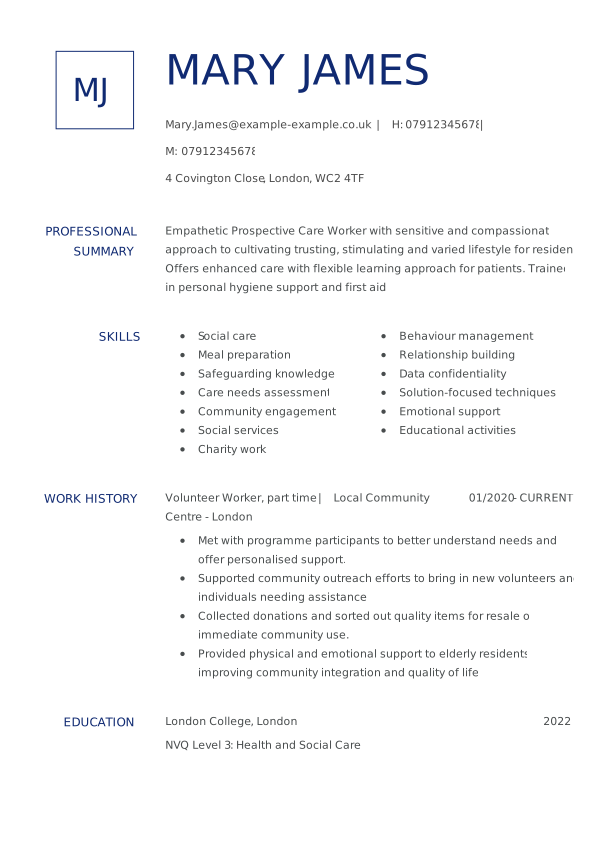
CV full form
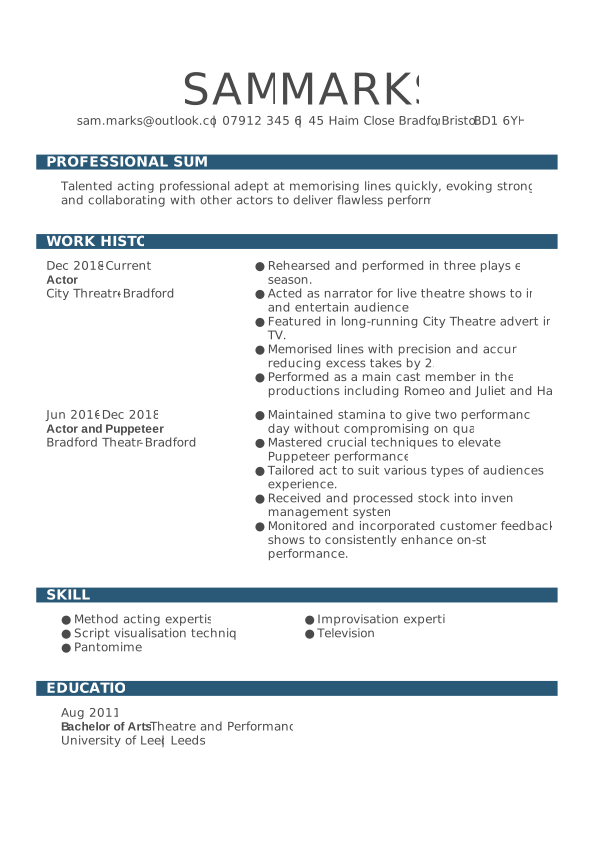
Here’s what a full-form CV looks like — complete, well-organised, and ready to impress employers.
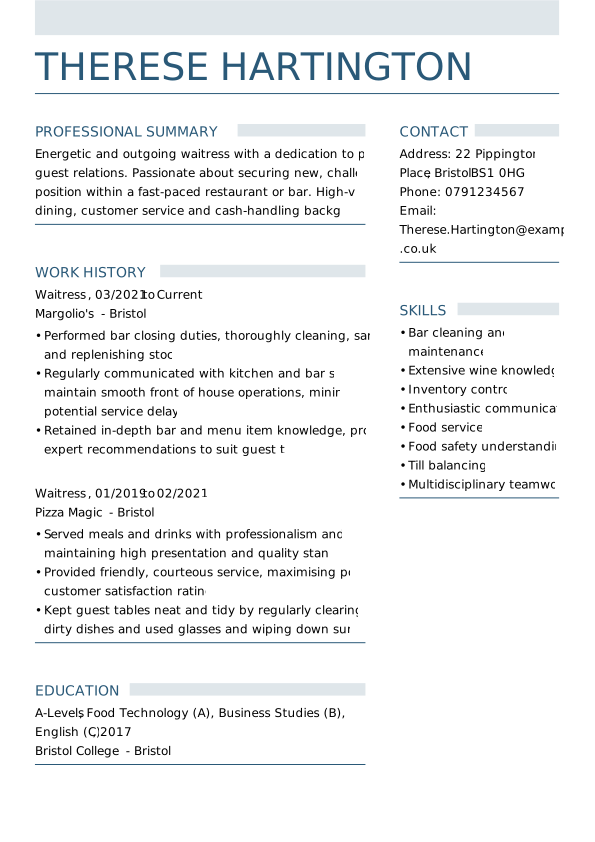
What else can you put on a CV?
As mentioned earlier, every CV should include the key CV components:
- Contact details.
- Personal statement
- Work experience
- A list of skills
- Education and qualifications
But if your CV feels too short, or you’re early in your career and lacking formal experience, adding optional sections can help fill up an empty-looking CV.
Here are some valuable CV extras you can include:
Voluntary work
A great addition if you don’t have much work experience. It shows initiative, dedication, and transferable skills.
Professional memberships
Especially useful for academic or specialist roles, these show your commitment to your field.
Languages
List any additional languages you speak and your level of proficiency. This can give you an edge in international or customer-facing roles.
Achievements
Include awards, publications, certificates, or standout accomplishments that highlight your capabilities.
Hobbies and interests
Adding a short section on personal interests can help employers see a more human side of you and may offer conversation starters for interviews.
References
You can include names and contact details of referees, or simply write “References available on request” if space is tight.
Use these optional sections to strengthen your CV, fill any gaps, and show that you’re a well-rounded candidate.
How to write a CV in 9 steps
Struggling to write a CV that gets results? You’re not alone.
It’s easy to feel discouraged after sending out dozens of applications without receiving a response. However, with a clear structure and a targeted approach, you can create a CV that captures attention and gets you that interview.
Follow these steps to write a good CV
Understand the job requirements
One of the most common mistakes job seekers make is sending the same CV to every job they find. Before writing anything, study the job advert carefully.
Make sure you understand what the employer is looking for and whether you meet the key criteria. Focus on the essential qualifications, skills, and experience mentioned, and use them to guide your CV.
Choose the correct format
There are several CV formats, including:
- Chronological – lists your most recent experience first (most common in the UK)
- Skills-based format – focuses on skills rather than work history
Pick a format that best highlights your strengths and matches the type of role you’re targeting. If you have extensive experience, consider using a chronological format. If you are new to the job market, choose the skills-based format.
Open with a strong personal statement
Start your CV with a short paragraph (3–4 lines) that sums up who you are, what you offer, and why you’re an excellent fit for the role.
Include relevant achievements, standout skills, or unique experiences that help you stand out from other candidates. Keep it tailored, confident, and easy to read.
Showcase your experience
List your work experience in reverse chronological order using bullet points under each job title.
Focus on the past 10 years or your three most recent roles. Describe your responsibilities, but more importantly, highlight achievements that show your impact.
Highlight relevant skills
Your skills section should include both hard skills and soft skills (e.g. communication skills, teamwork, adaptability). Aim for 6–10 bullet points that match the job requirements and reflect your strengths.
Use keywords
Many employers use Applicant Tracking Systems (ATS) to screen CVs. To pass through this first hurdle, use keywords from the job description throughout your CV, especially in your profile, skills, and experience sections.
Keep it concise
Ideally, your CV should be no longer than two pages, especially if you’re early in your career. Be clear and direct, and avoid repeating information. If you’re struggling with layout or spacing, consider using a professional CV template.
Tailor your CV to each job
Don’t rely on one version of your CV for every role. Adapt it each time by focusing on the specific skills and experience the employer is looking for. This small step can significantly improve your chances of landing an interview.
Check for errors
Before sending your CV, proofread it carefully. Spelling or grammar mistakes can quickly put off hiring managers. Ask a friend to review it or use a spell-check tool for an extra layer of polish.
How to improve a CV
A great CV isn’t just about listing your experience; it’s about how you present that experience. If you want to stand out to employers, you need to be clear, confident, and results-driven in how you write.
Here are some simple ways to improve your CV right away:
1. Use powerful action verbs
Start each bullet point with a strong action verb. This makes your accomplishments sound more impactful and helps recruiters quickly understand what you’ve done. Using the right words in a CV can make a significant difference.
Instead of saying:
“Responsible for handling customer complaints”
Try:
“Resolved customer complaints and improved satisfaction levels”. Here are some examples of powerful action verbs to include:
- Resolved
- Developed
- Mentored
- Led
- Coordinated
- Implemented
- Communicated
- Analysed
- Organised
- Managed
- Achieved
- Accomplished
- Created
- Improved
- Increased
- Executed
2. Quantify your achievements (use numbers)
Whenever possible, use numbers to show the scale of your success. This makes your CV more convincing and gives employers a clear picture of your impact.
For example:
Improved customer satisfaction and increased retention rate
Improved customer satisfaction by 25% and increased retention rate by 6% year-on-year
This technique is particularly effective for areas such as sales, project delivery, efficiency improvements, or any role where KPIs are involved.
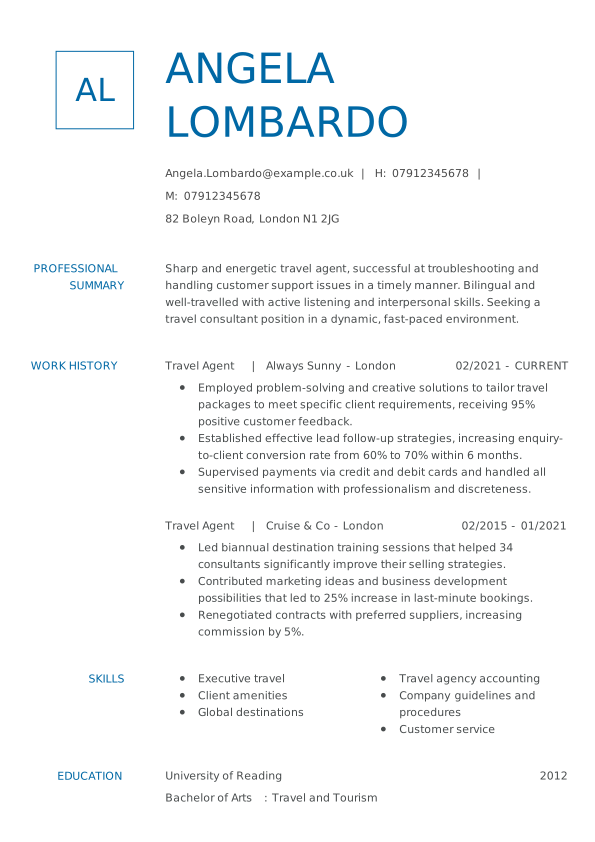
02/2021 – CURRENT Travel Agent | Always Sunny – London
- Employed problem-solving and creative solutions to tailor travel packages to meet specific client requirements, receiving 95% positive customer feedback.
- Established effective lead follow-up strategies, increasing enquiry-to-client conversion rate from 60% to 70% within 6 months.
3. Tailor your CV to each job
Generic CVs often get overlooked. Improve yours by adjusting it to suit each role. Use keywords from the job advert, highlight the most relevant skills and experience, and match your personal statement to the employer’s priorities.
4. How to improve a CV with no experience
In case you have absolutely no work experience, you can write a skills-based CV. Such a CV may be a good fit if you are looking for your first job. The focus then is on highlighting your education and skills, with the emphasis on transferable skills.
Build your full form CV in just 3 easy steps
Create a professional CV in minutes:
- Customise, download, and apply — it’s that simple!
- Choose a template from our expertly designed selection.
- Fill it out with pre-written content tailored to your job title.
*The names and logos of the companies referred to above are all trademarks of their respective holders. Unless specifically stated otherwise, such references are not intended to imply any affiliation or association with myperfectCV.