
Free CV Templates and British Formats for UK Jobs
Land more interviews with a professional layout. Choose from our expert CV templates to build a standout application and download your career-ready document today.

- Our customers have been hired by : * Foot Note
MyPerfectCV builder has helped millions of job seekers create simple, job-winning CVs and land their dream jobs. Below, you will find a diverse range of professional English CV templates and free Word CV templates to choose from.
people are creating their CV with MyPerfectCV now
*The number shown results from a predefined calculation based on the average yearly traffic. The actual number may differ.
Professional CV templates
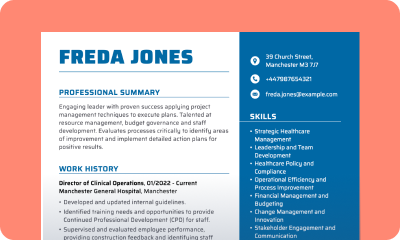
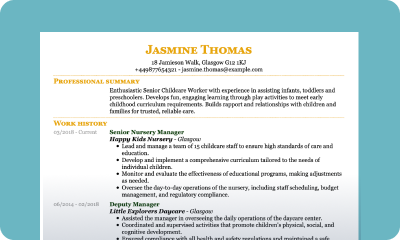
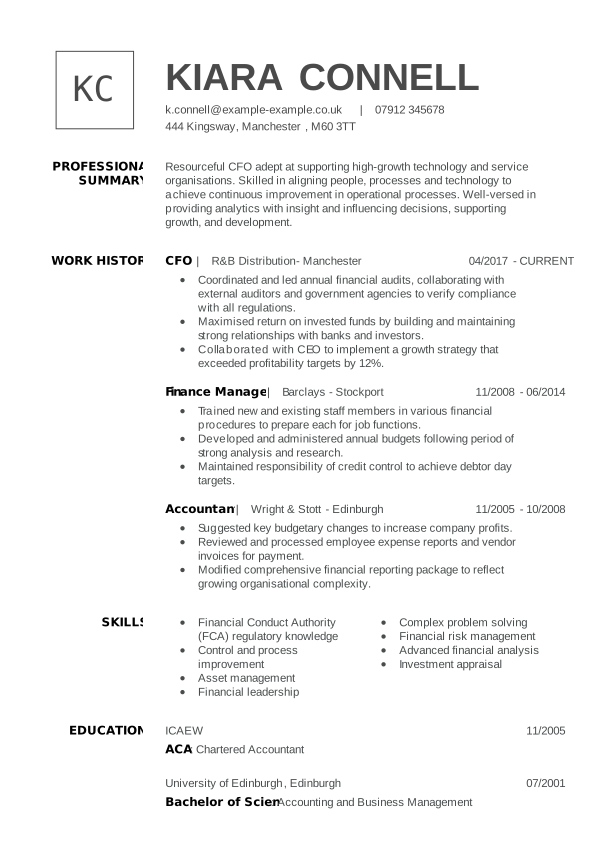
Our British CV templates for 2026 are integral to creating a polished UK CV that you can use with confidence during your job search. We have a variety of professionally designed templates, simple and modern CVs for you to choose from, but here we’ve chosen some of the best CV templates for the year.
Free CV templates Word
Take the hassle out of building a CV that gets you noticed with our Word CV templates and shorten the time it takes you to get hired. Our Word CV template takes the guesswork out of creating your CV.
Creative CV templates
The best CV template is the one that’s most appropriate for your experience level and your industry. An entry-level CV will emphasise educational achievements, while a managerial role calls for a focus on employment history and key CV skills.
Google Docs CV templates
A simple CV template is a great choice for every industry. Demonstrating your work history is easy with an attractive and appropriate UK CV layout, featuring colour and customisable CV fonts.
Student CV templates
Create your high school student CV and showcase your capabilities and any experience to recruiters. Our high school student CV page has section-by-section advice for your British student CV, along with top-rate examples.
CV templates for 16 year old
Learning how to write a CV for a 16-year-old and looking for that first job can be overwhelming, but we make it easy with our step-by-step advice, simple CV examples and templates, topped up with advice on UK CV format and design.
Modern CV templates UK
A modern CV template is ideal for industries that are a little less traditional, like digital, design and the arts. A modern CV template combines a clean, contemporary appearance, may use a second colour and often uses a sans serif font.
European CV templates (Europass)
Creating a European CV, often referred to as a Europass CV template, involves structuring your curriculum vitae according to a standardised format widely recognised and used across Europe.
Resume templates
A resume, known in the UK as a curriculum vitae, is a document that summarises a candidate’s education, work experience, skills, achievements and qualifications. Meet our resume builder today!
Academic CV templates
An academic CV is yet another example of a curriculum vitae. It is no different from other British CV templates in its core, but allows you to elaborate on your educational achievements to showcase your strengths as a candidate applying for your chosen roles.
Harvard CV templates
Harvard University, renowned for its academic excellence and high standards, offers a widely respected CV template that aligns with its prestigious reputation.
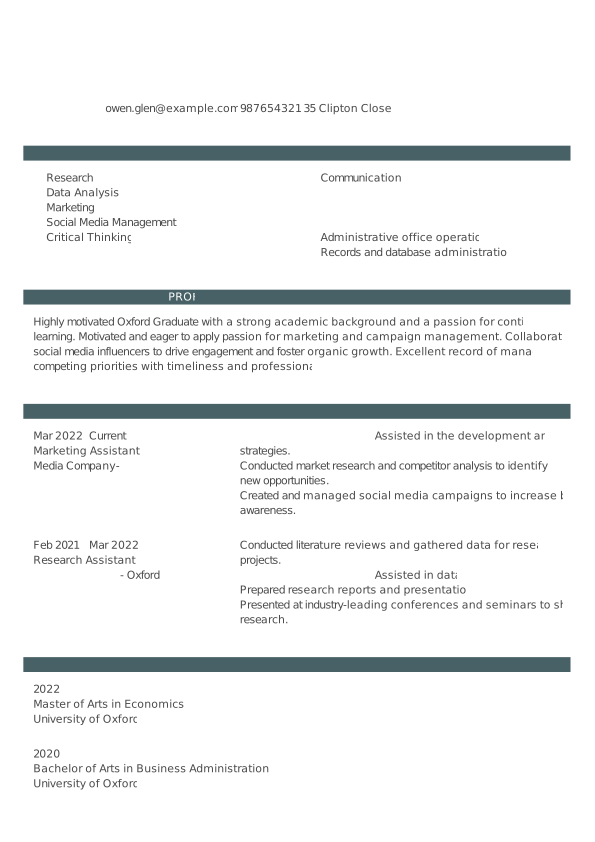
Oxford CV templates
The Oxford CV template offers a structured format that aligns with the standards expected by academic institutions and employers.
Graduate CV template
Our graduate template is a great choice for anyone writing a CV for the UK market. These simple CV templates contain experience, skills, education and personal statement sections as standard.
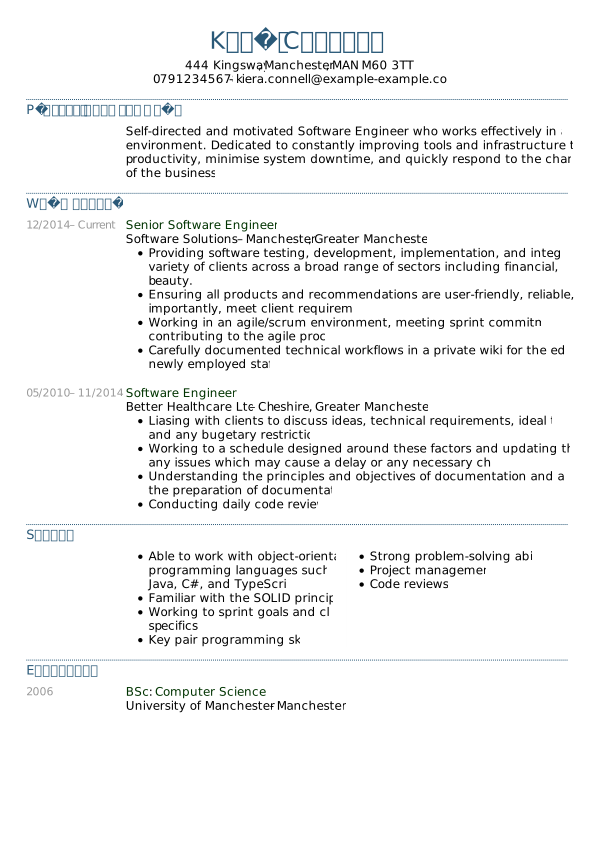
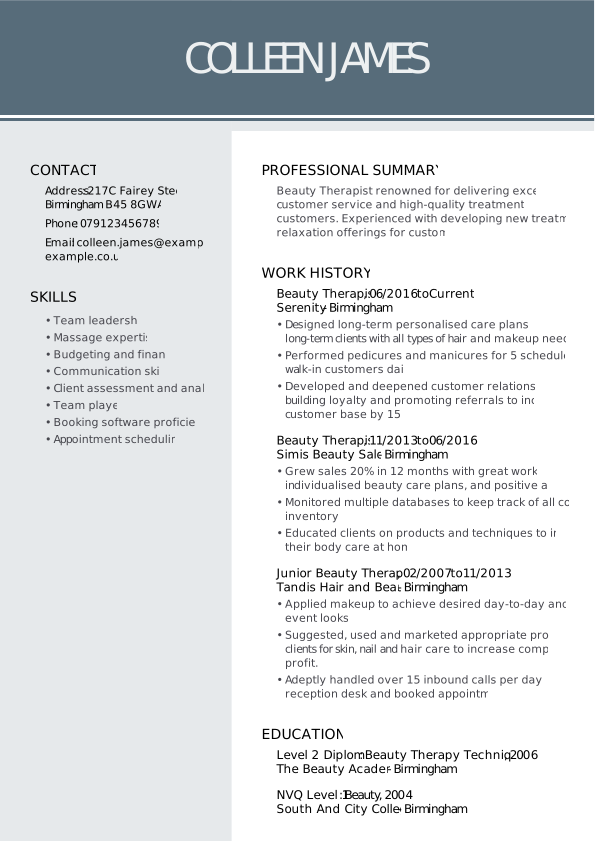
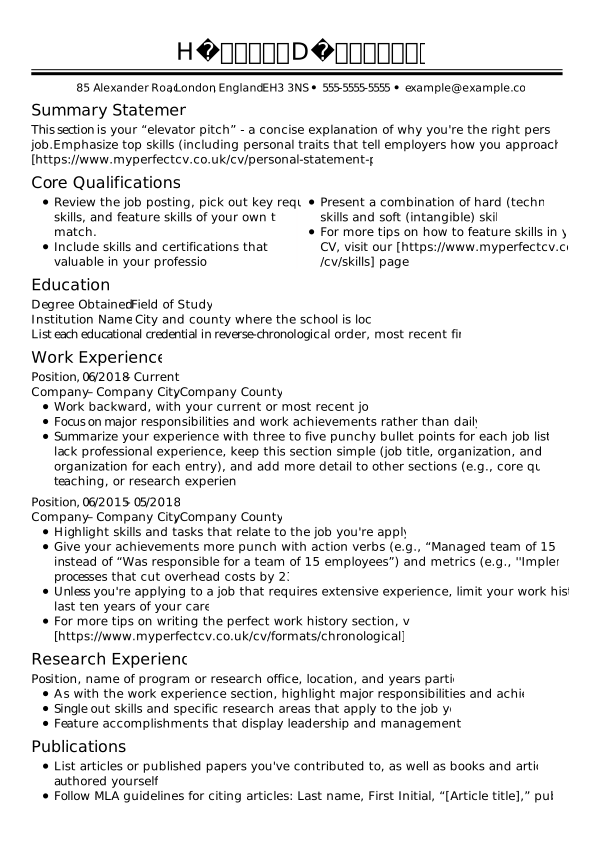
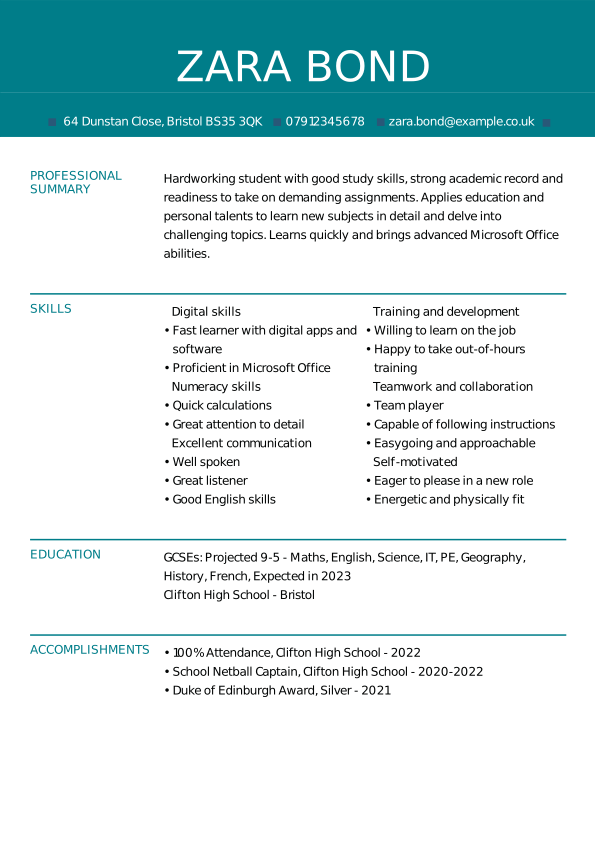
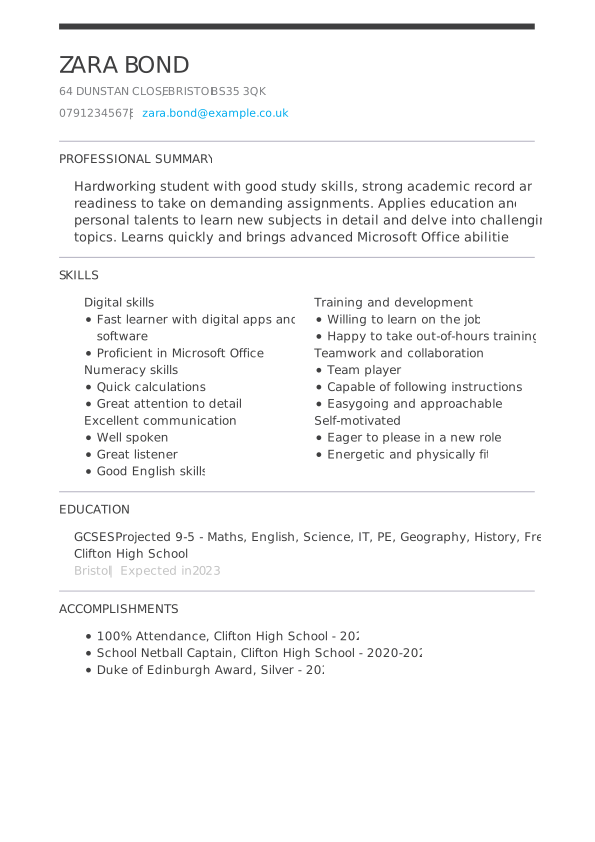
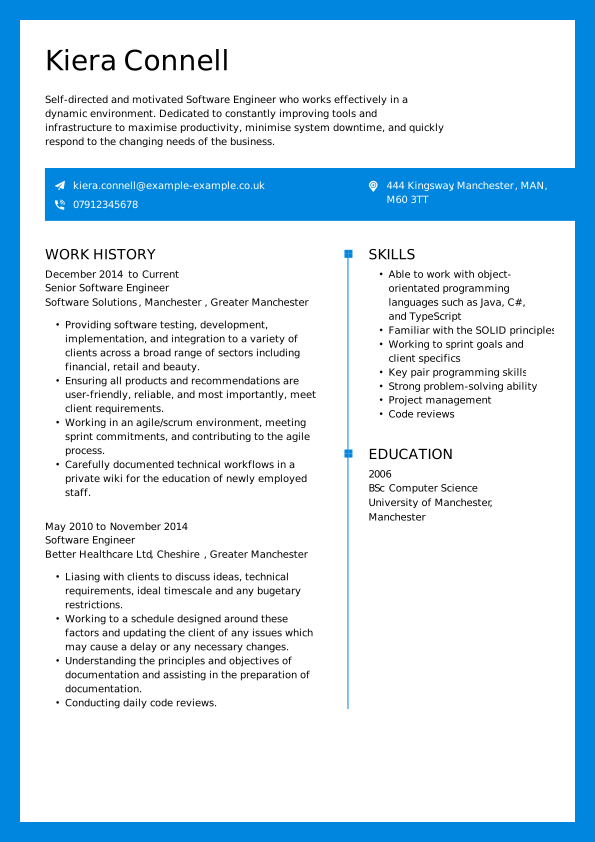
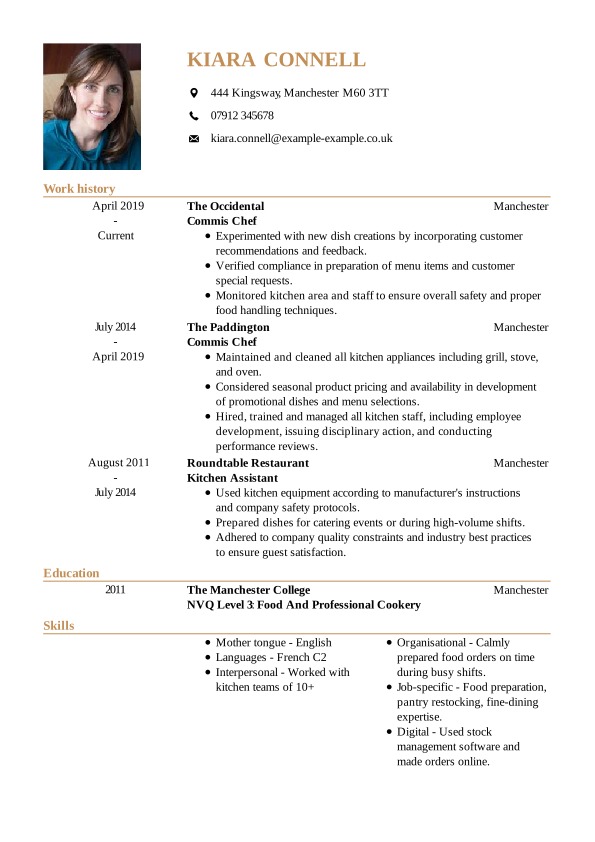
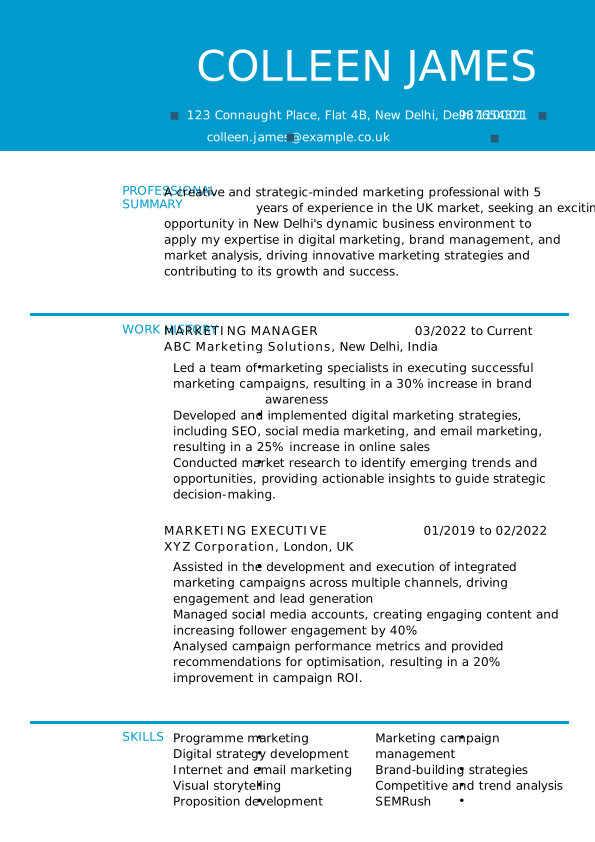
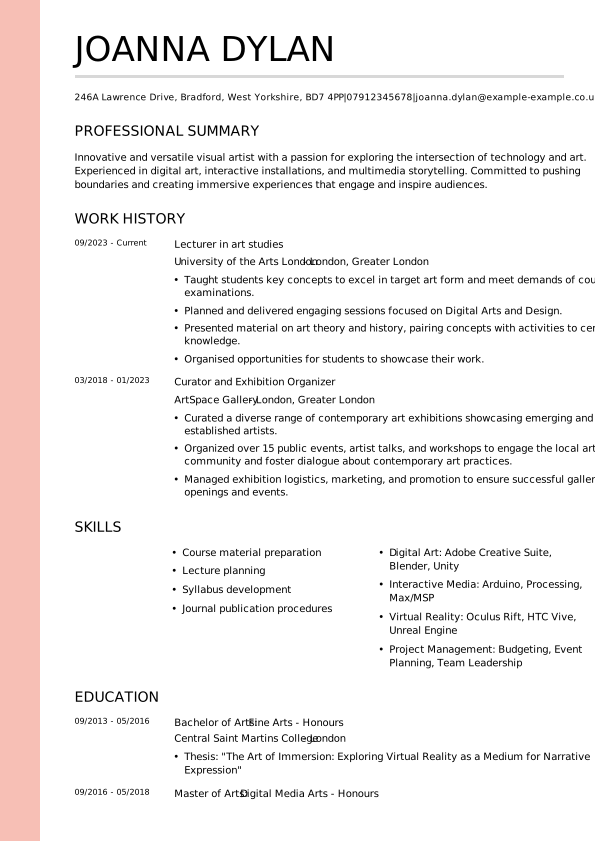
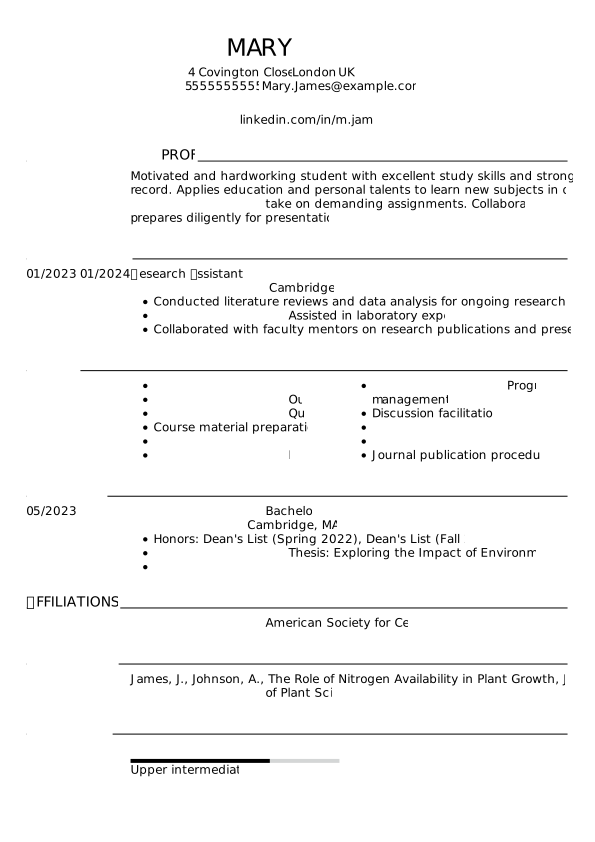
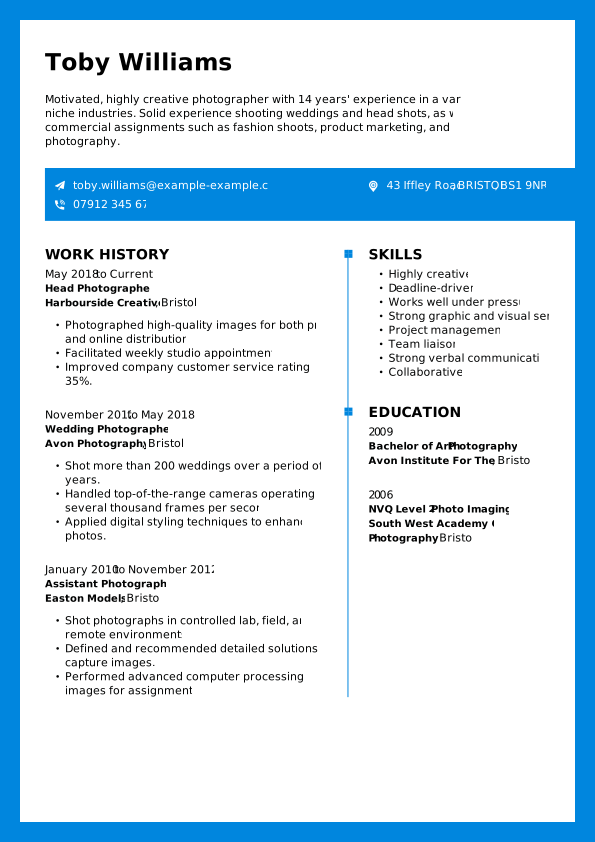
Free CV templates to download in Word
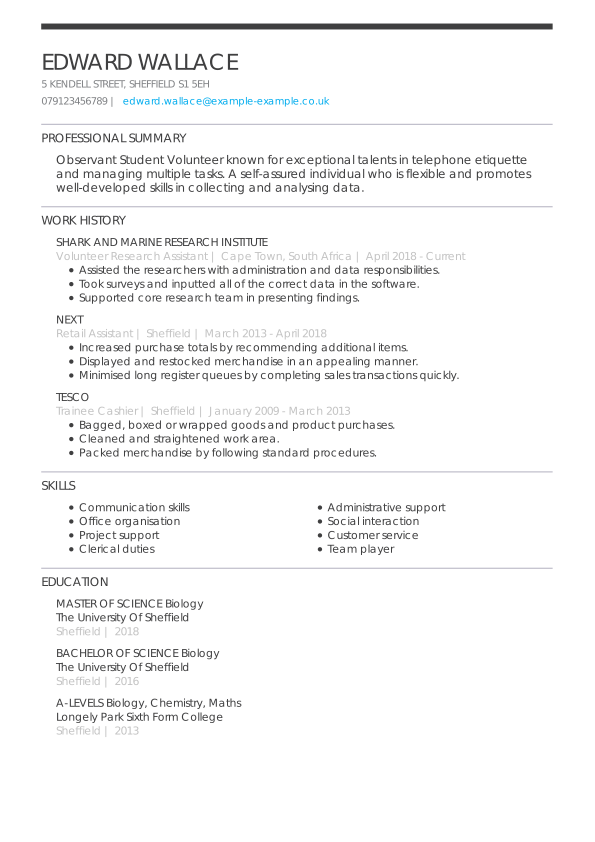
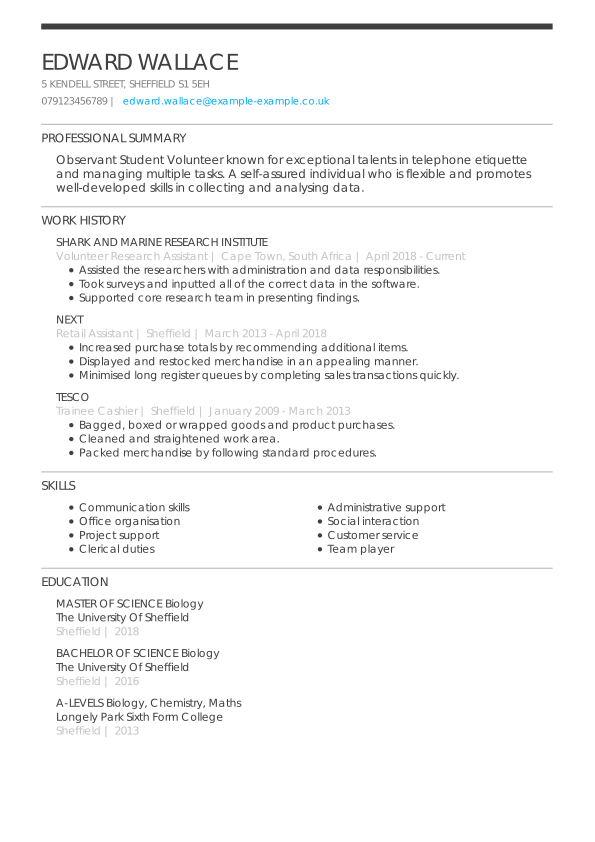
Our free CV templates make it easy to build a polished English CV without starting from scratch. Simply download your preferred design and customise it to fit your qualifications.
Free Word CV Template
Free CV Graduate Student
Free Modern CV Template
Free Creative CV Template
Free Traditional CV Template
Free Prominent CV Template
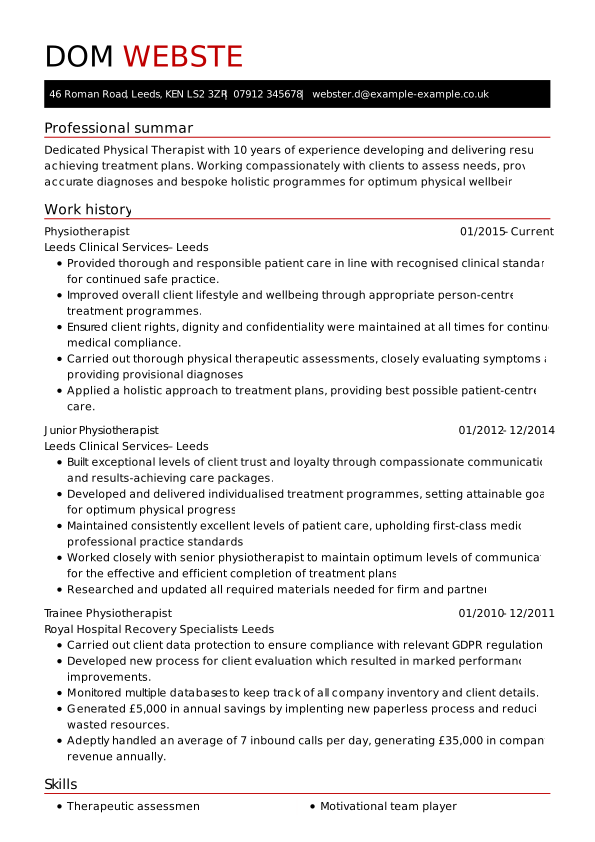
Free CV Physiotherapist
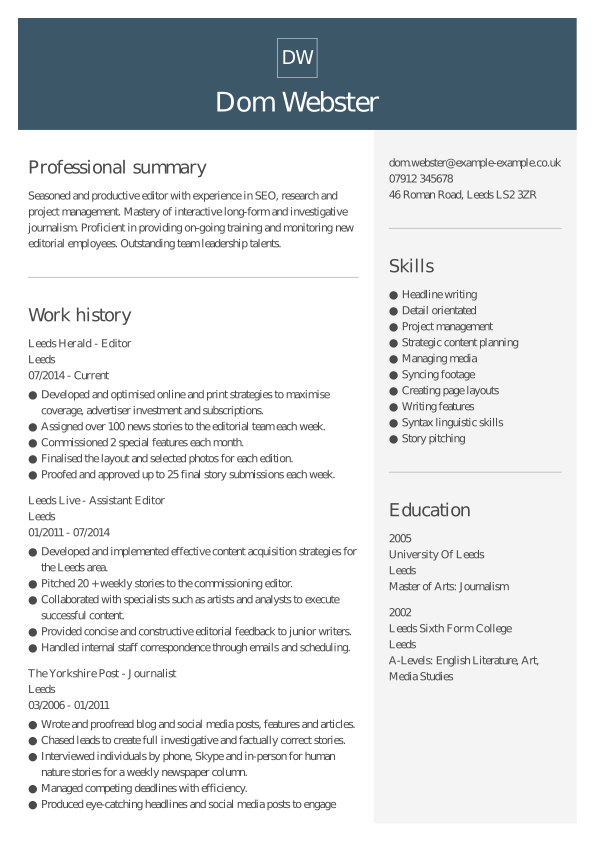
Free CV Editor
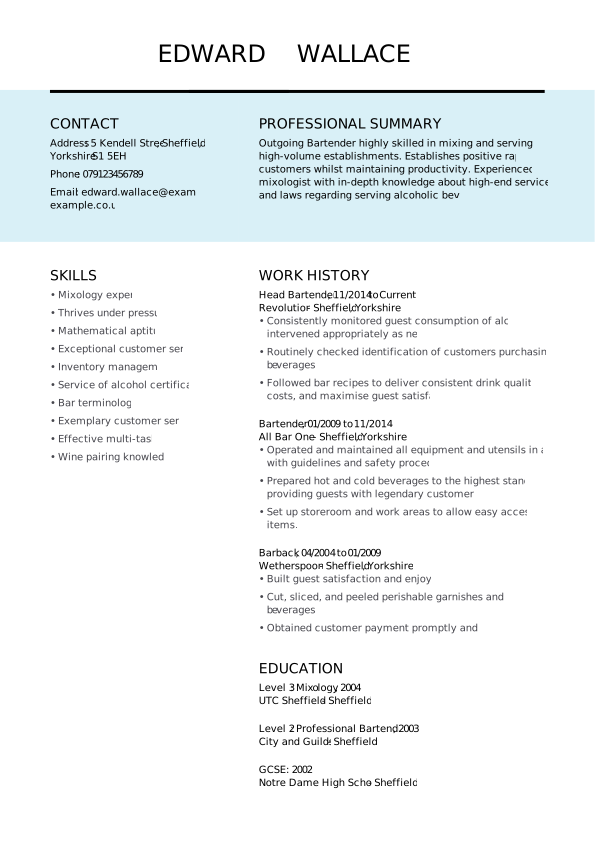
Free CV Bartender
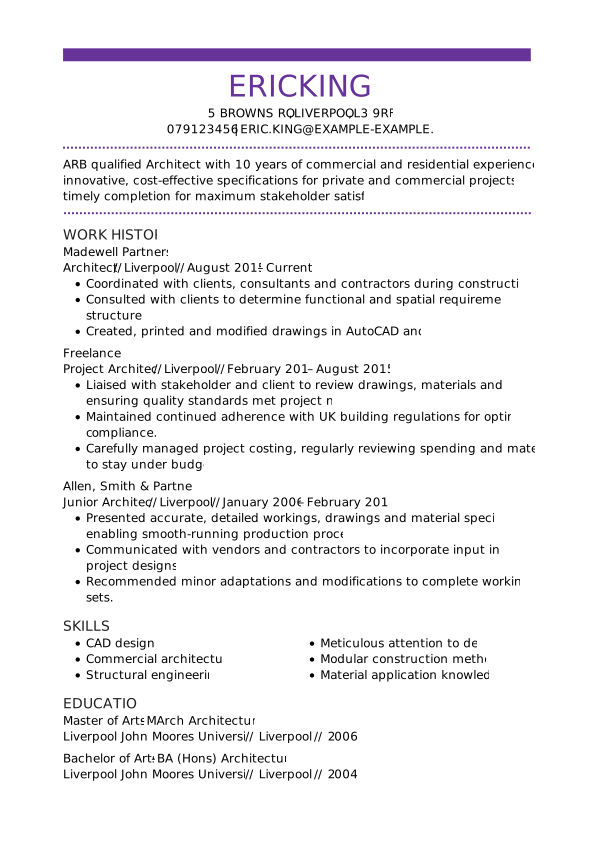
Free CV Architect
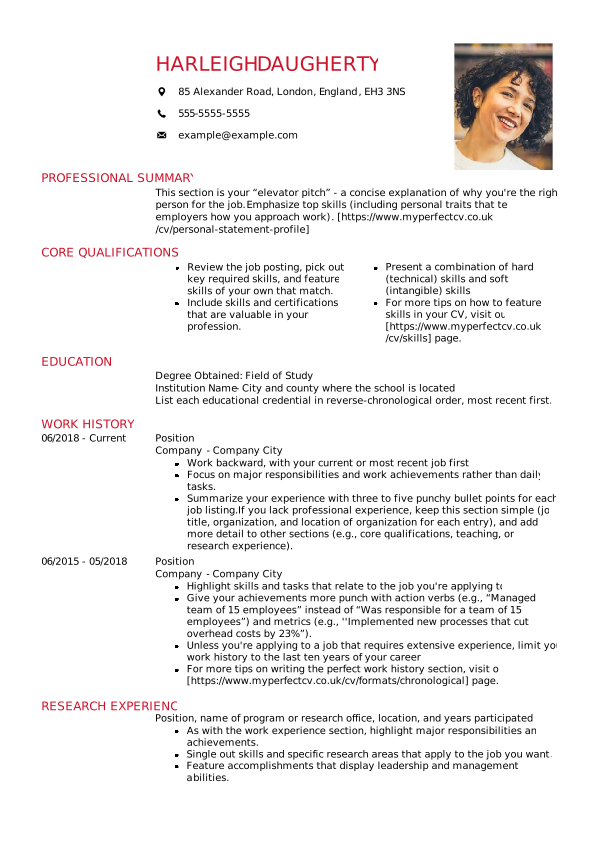
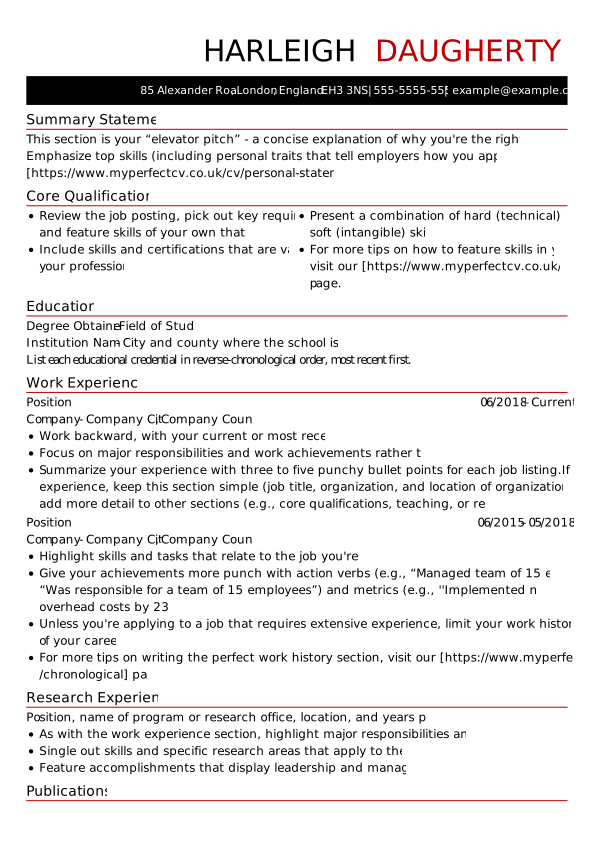
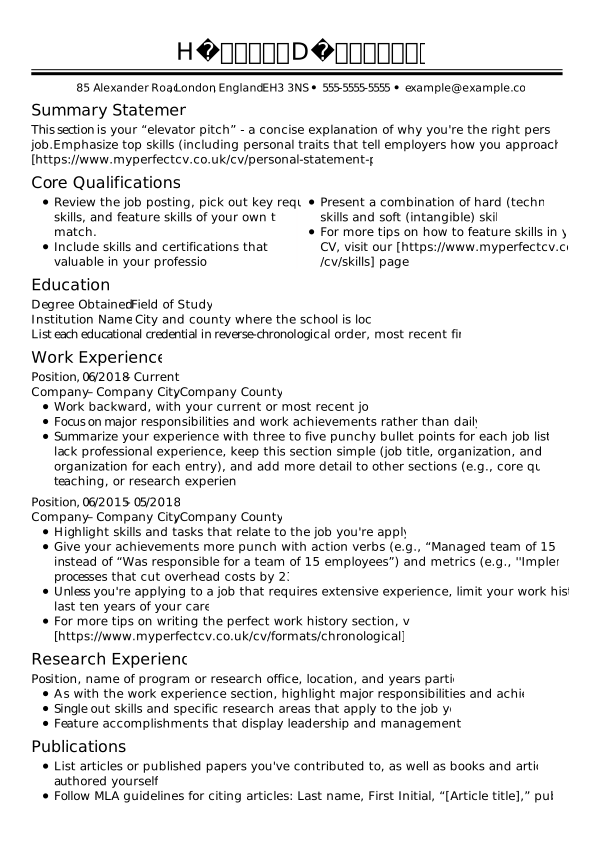
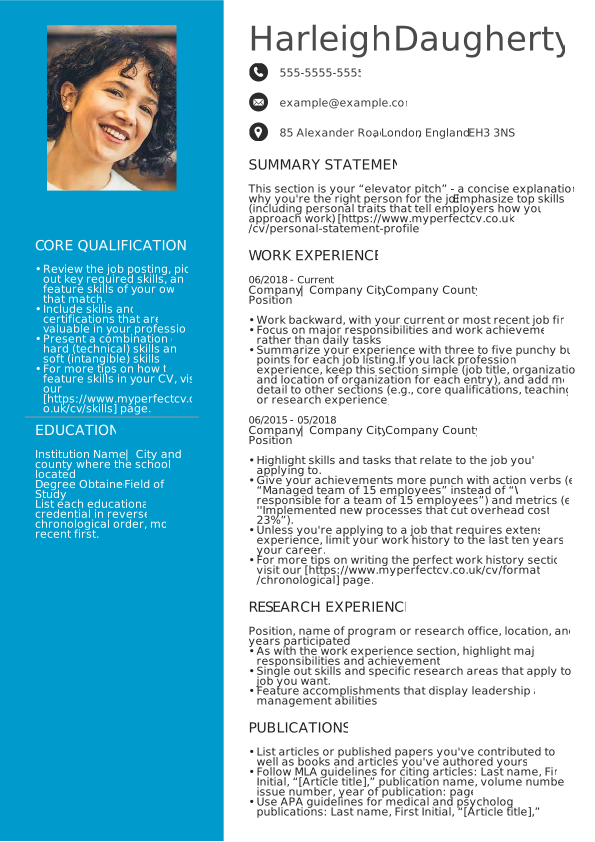
Expert designed CV templates
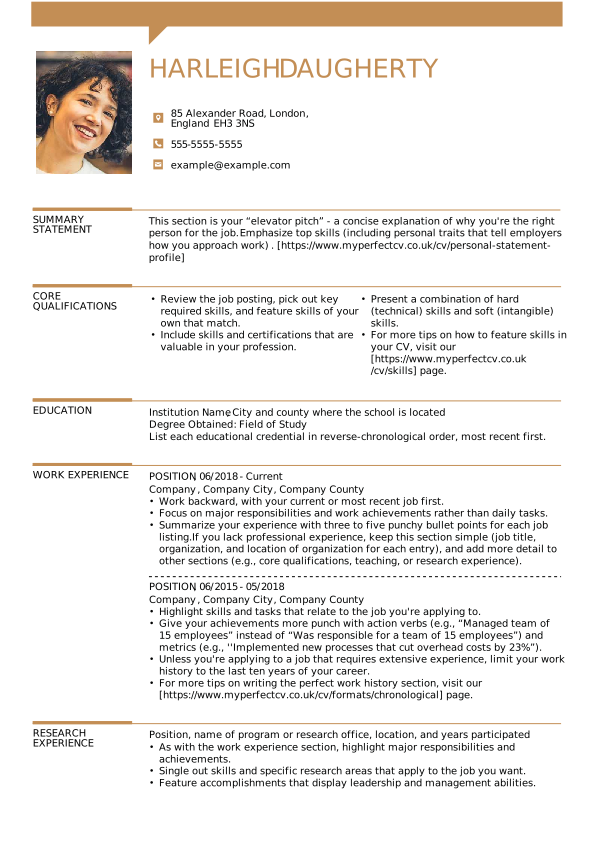
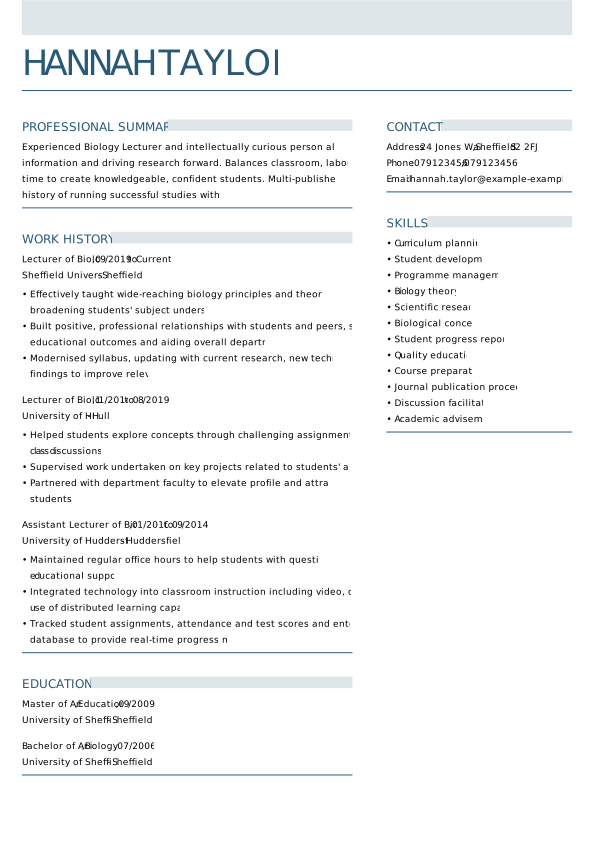
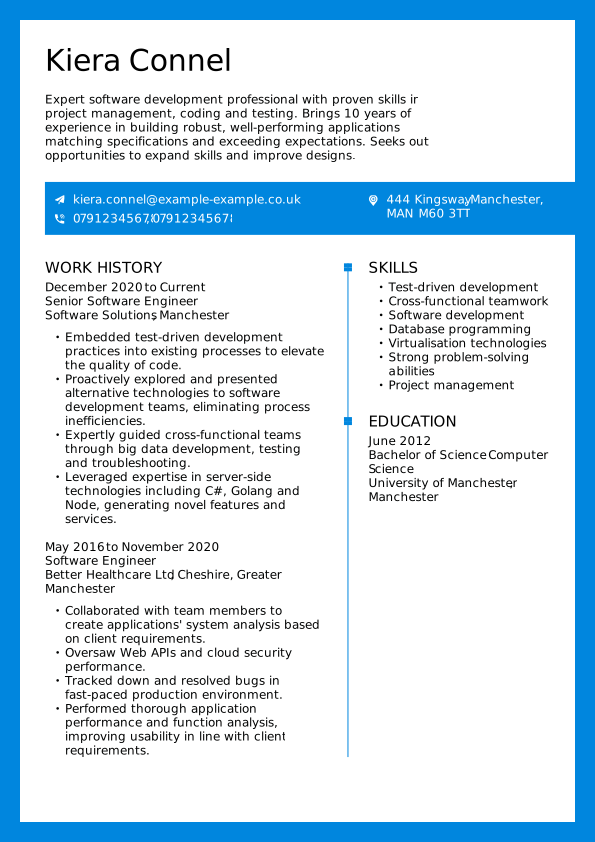
Explore professionally designed CV templates created to highlight your key skills, educational achievements, and work experience. With MyPerfectCV’s CV maker, you can quickly personalise any of these British CV templates and create a recruiter-ready application.
Tradional 2
Most popular
Smart
Most popular
Strong
Most popular
Trendy
Contemporary
Bold
Sharp
Restrained
Executive
Fresh
Cool
Acclaimed
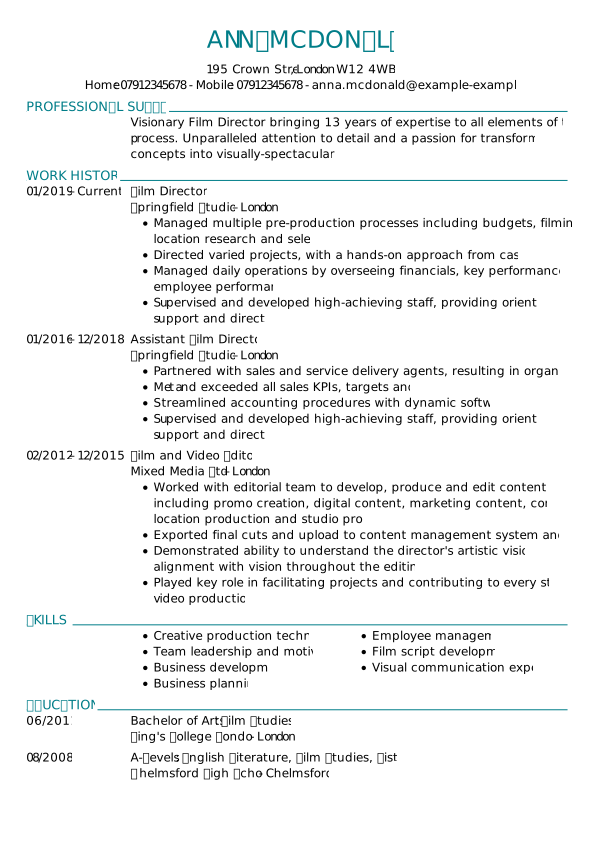
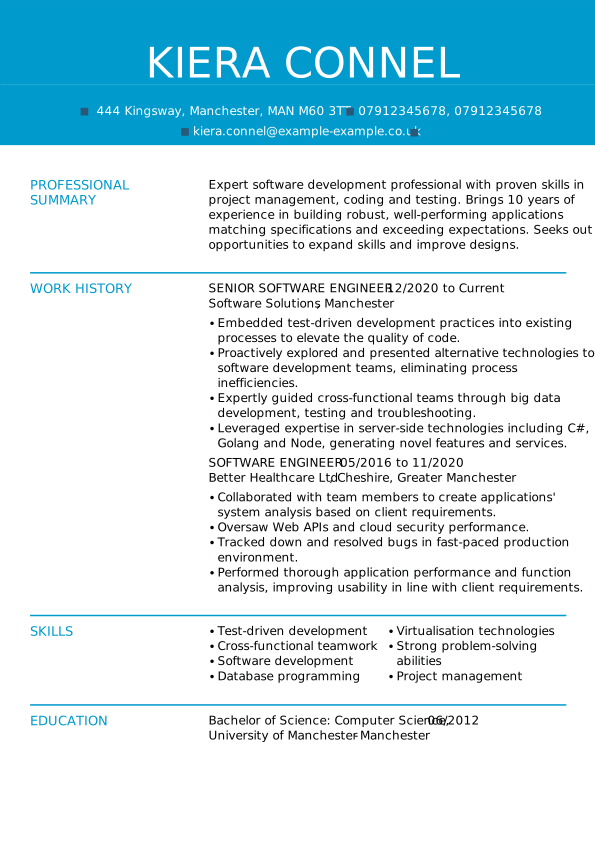
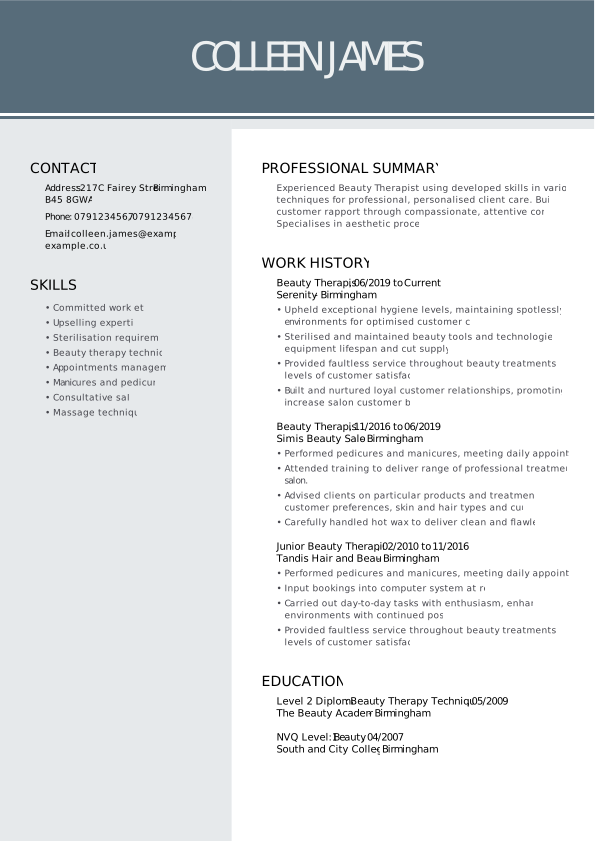
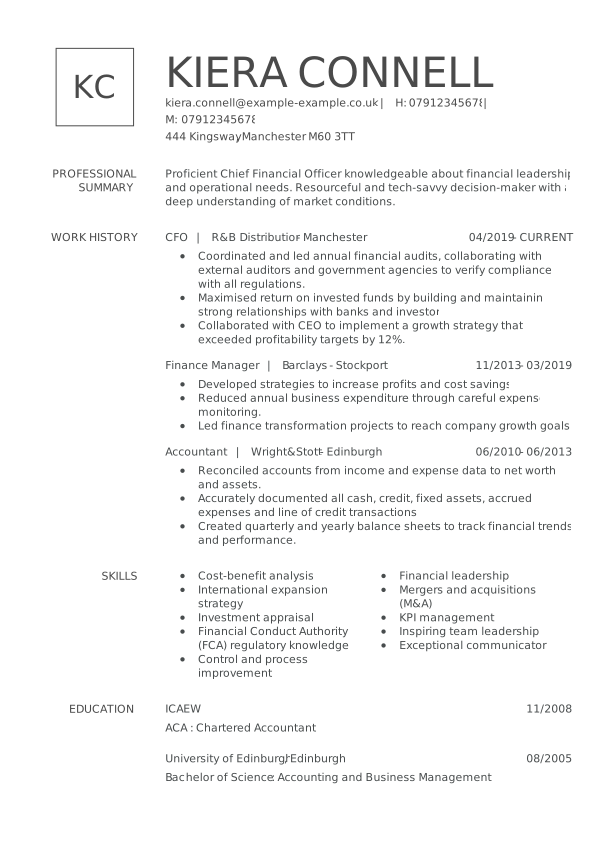
CV template examples for specific jobs
If you’re looking for the perfect CV template for your industry, you’re in the right place. Choose a CV template that’s right for the role and makes writing your CV as easy as 1-2-3. Whether the position is corporate, creative, or traditional, we stock a broad range of British CV templates for all sectors. MyPerfectCV builder offers the best CV templates for the UK.
SEARCH ALL CV EXAMPLES
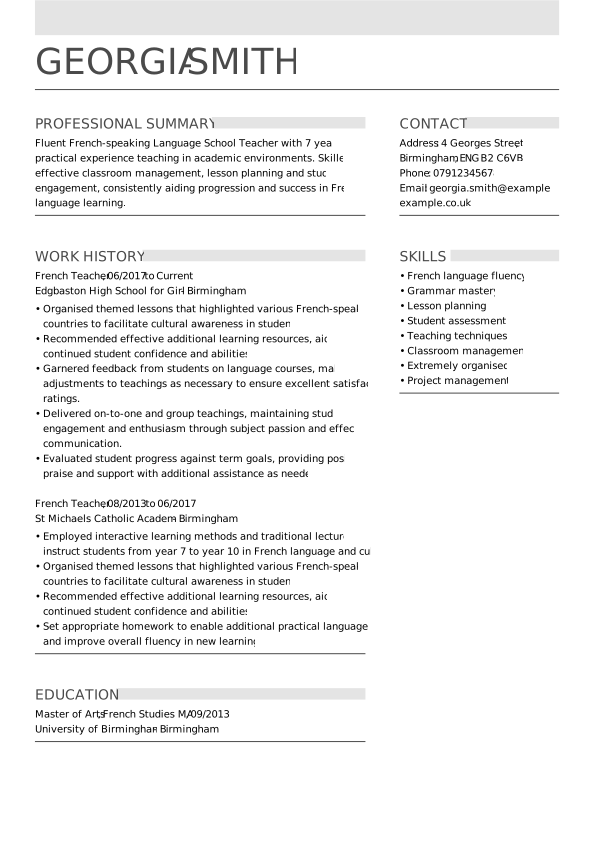
Teacher CV templates
A simple CV template with sample content for teaching jobs in the UK. These British CV templates enable you to display your advancement, qualifications and training in schools and higher education.
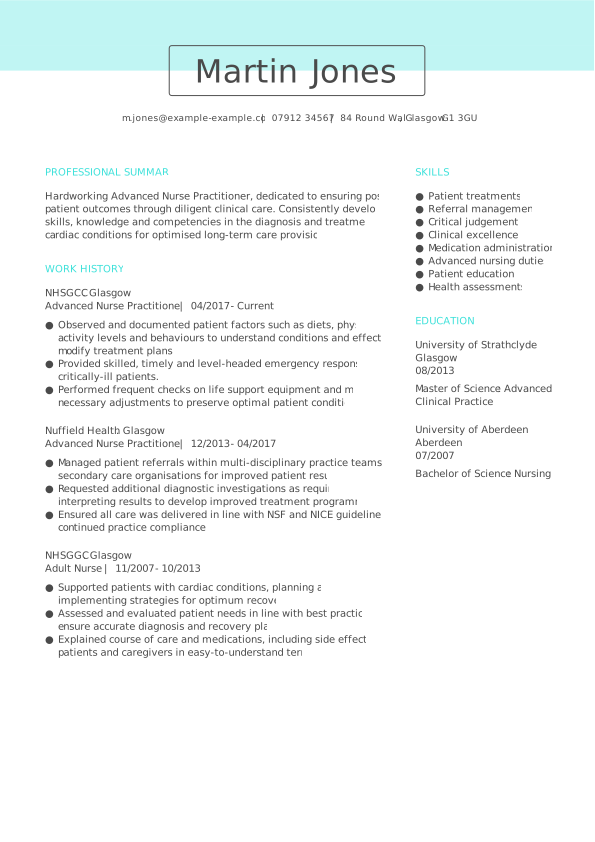
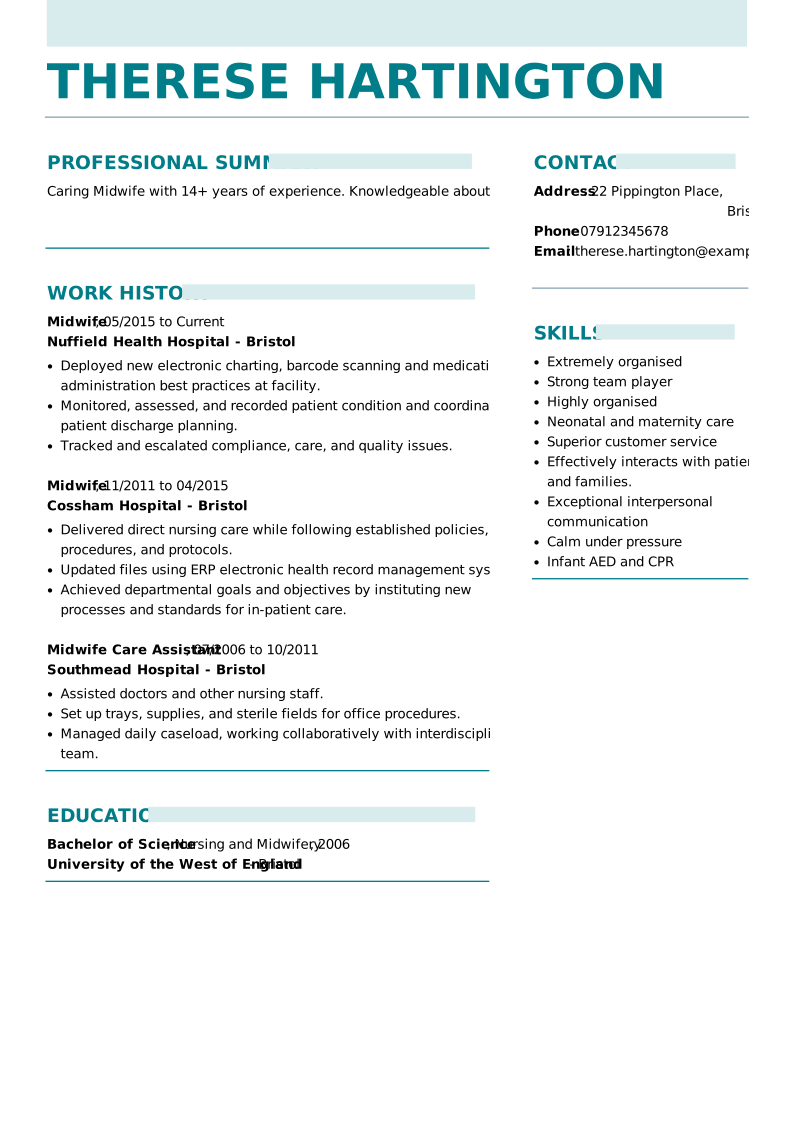
Nursing CV templates
A CV template with example content for nursing professions in the UK. These English CV templates enable you to present your medical experience and patient exposure.
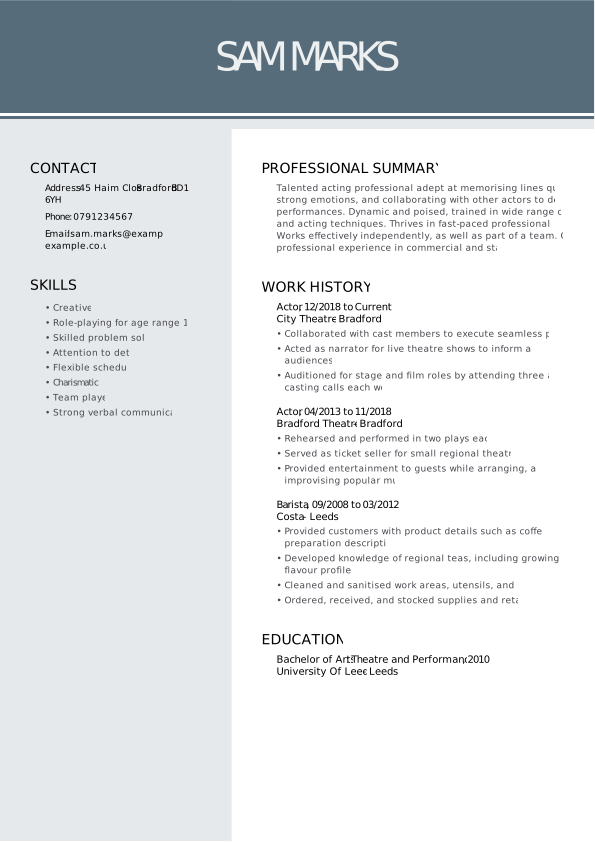
Acting CV templates
A CV template with example content for actors. This creative CV template showcases your performance experience in theatres, radio and on television.
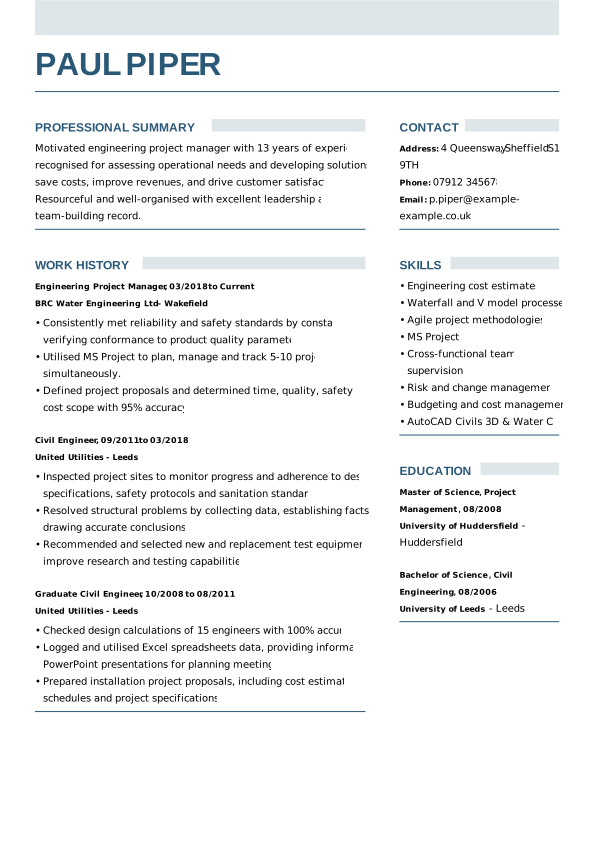
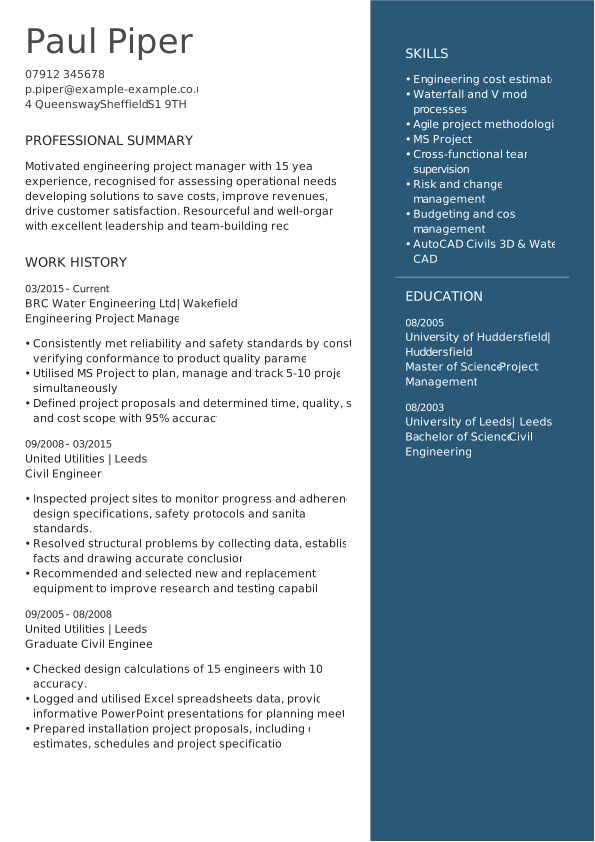
Engineering CV templates
A British CV template with example content for a range of engineering positions. These CV templates highlight skills, experience and results gained throughout your career so far.
Medical CV templates
A CV template with example content for medical professions. These CV templates focus on highlighting experience and results gained in medical settings.
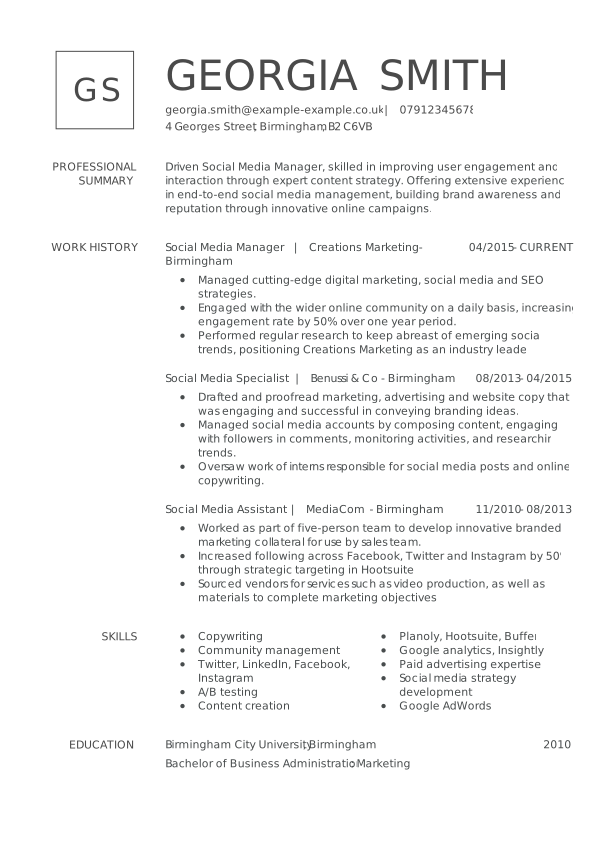
Marketing CV templates
A simple CV template with example content for a broad range of marketing professions. These UK CV templates focus on showcasing your skills, experience and results gained across marketing campaign work.
Related resources
How to make a CV template that’s right for you

Use the correct CV template format
Using a pre-formatted CV template makes building the perfect personalised CV so much quicker and easier. Utilising a ready-made template means that you can focus your time and energy on finding a job rather than writing your CV from scratch. MyPerfectCV builder provides excellent advice on building a British CV that will impress recruiters and help get you hired.
Build the best CV layout with our easy-to-use CV templates
Formatting your CV can seem like a daunting task; using tools like word processing software can take a long time to get right. When you pick up our simple CV templates, we do all the hard work for you, formatting your CV as you enter your information. Take the stress from the hassle of manually laying out your UK CV with our ready-made structure.
Highlight your capabilities with a skills-based CV template
Creating a skills-based CV is recommended for entry-level candidates who may not have a lot of experience. By moving your skills upfront and centred on your CV, you can draw attention to the skills that make you a suitable candidate for the position. Recruiters can easily see which skills you possess and would bring to the company.
Choose from one-page and two-page CV templates
In the UK, it’s customary for CVs to be two pages at maximum; anything over two pages, and you’re likely to lose a recruiter’s attention. Other countries prefer one-page CVs. If you’re applying for roles overseas in places like Spain, Italy, or further afield in the U.S., you can count on us. MyPerfectCV builder creates a great-looking, one-page CV in just a few minutes. Whichever you require, you can edit all our simple CV templates to your desired page length.


FAQ: CV templates
What is the best template for a CV?
From a practical point of view, the best template for a CV is one that contains all the necessary sections and gives you the freedom to make customisations based on your job. For example, while the reverse-chronological CV may be a great option for most jobs, if you are an artist, you are expected to have a more creative CV along with an artist portfolio.
It is important that the CV template is in line with current trends and market requirements.
So, when applying for a job in the UK, the best CV template is one that has the following sections:
- contact details
- personal statement
- employment history
- skills
- experience
A good UK CV template should be clear, aesthetically pleasing and easy to download in several formats, primarily PDF and Word.
Why a CV template is important?
Whether you’re building a CV after a career break or condensing down 20 years of experience into two pages, using a CV template gives you a clear structure to start with. Starting with a high-quality, simple CV template will help you get the correct information in front of employers.
Does MyPerfectCV builder offer CV templates for free?
MyPerfectCV offers free CV templates for a range of jobs. Most of these free CV templates will be in the standard, basic format. However, they won’t make your application stand out. You can improve your chances of getting hired using premium templates. MyPerfectCV builder generates impressive, custom-designed CVs that impress recruiters and will help you get your career on the right track.
What are the most popular CV templates in 2026?
The three most popular CV templates in 2026 are:
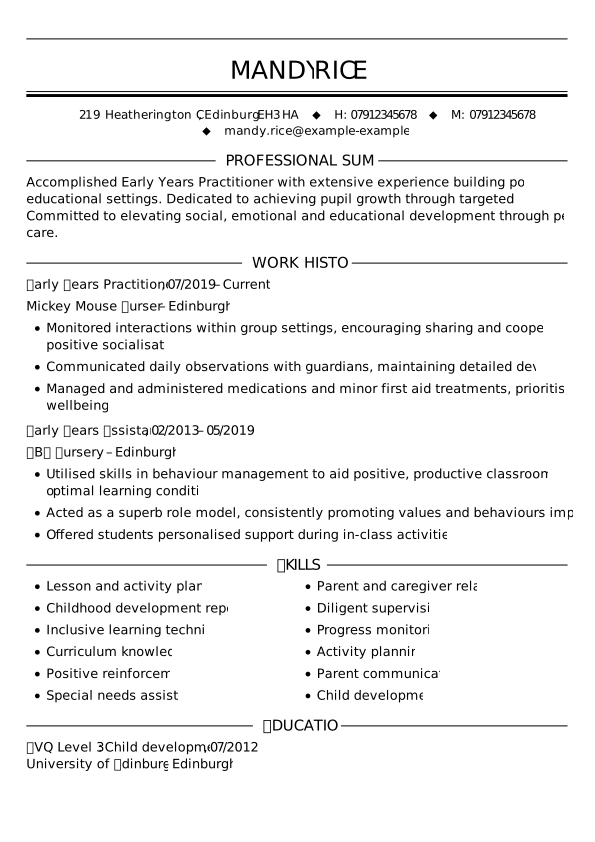
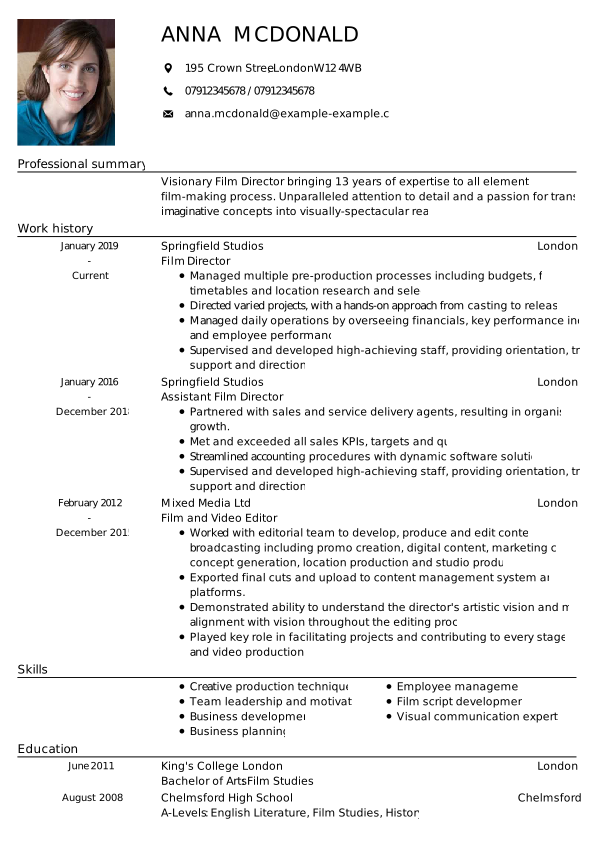
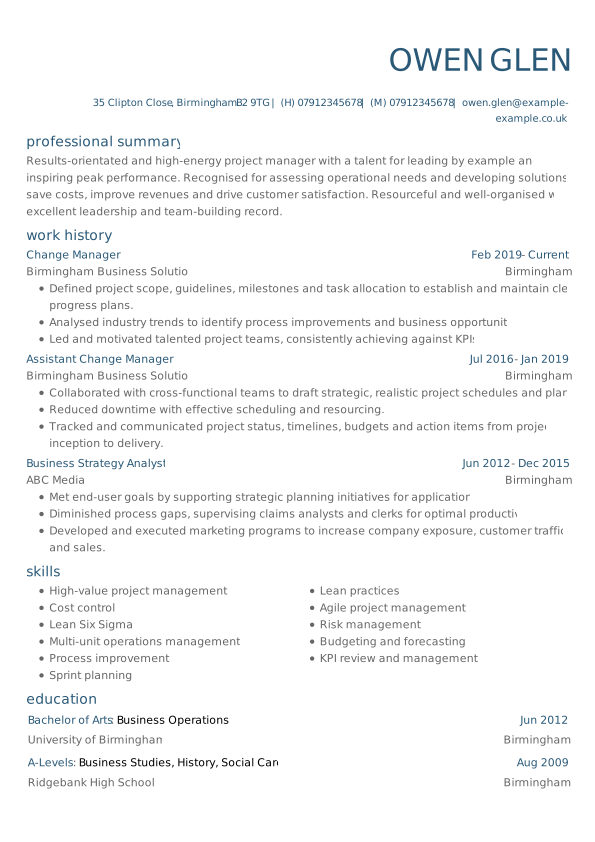
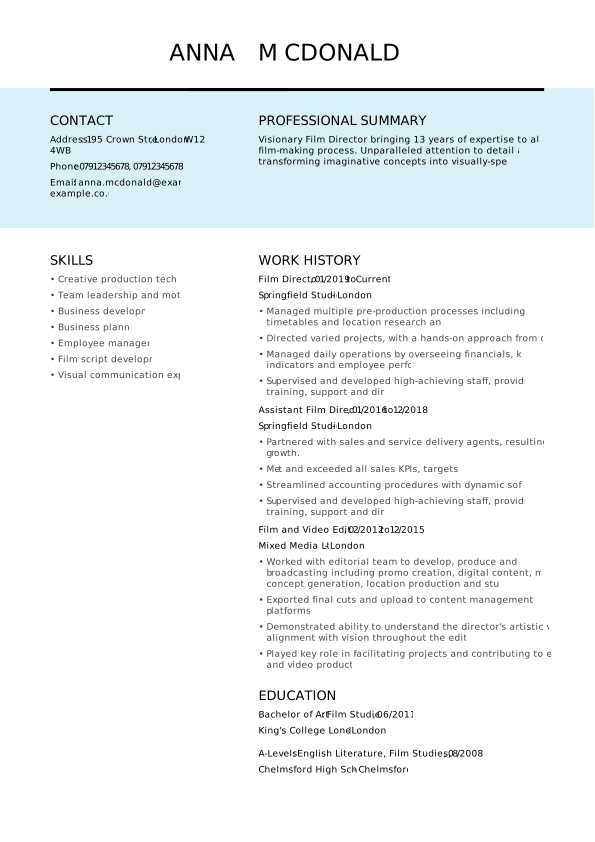
- The Strong CV template is an example of the perfect use of page space to include all the information you need, while creating a document that is not overwhelming but inviting to read.
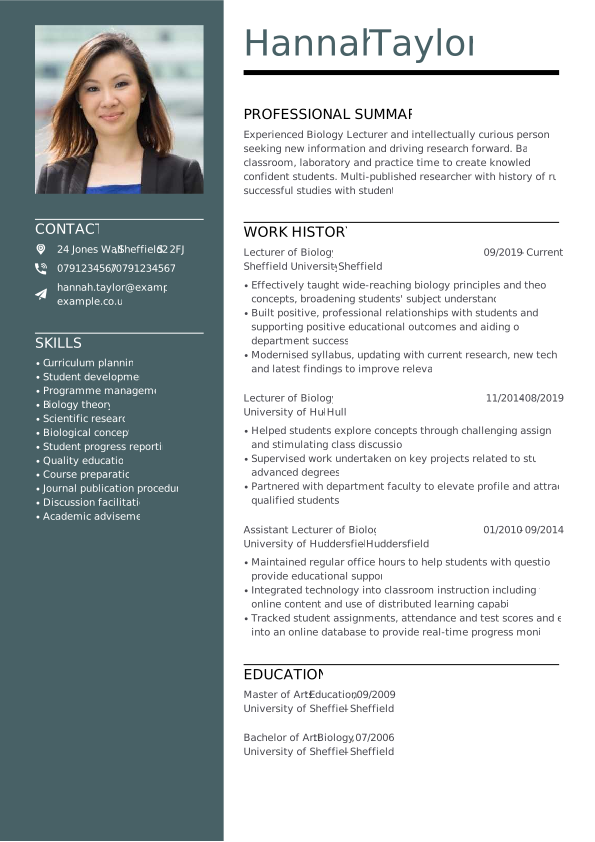
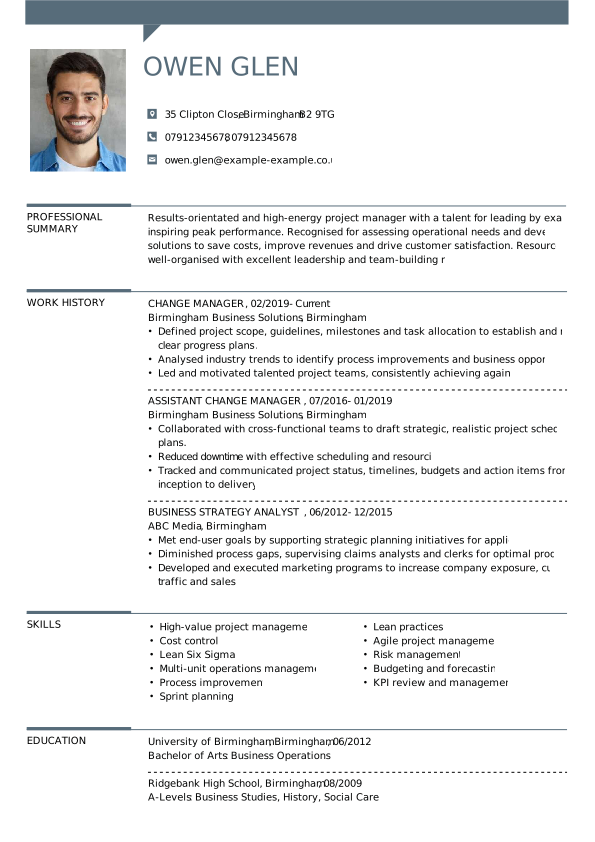
- The Smart CV template combines elegance and modernity. This template suggests adding a photo to your CV. This is great if you want to create a European CV, for example.
- The Traditional CV template, on the other hand, is ideal for both experienced professionals and those starting out in their careers. The clever arrangement of sections allows you to highlight all the information that recruiters are looking for. You can use it to create a chronological CV or, if you don’t have any experience yet, a skills-based one.
How can I download a CV template?
You have two paths to download a simple CV template. If you want to download one of our free CV templates, all you have to do is click the button on the template of your choice from the free CV templates available.
And if you want to download our most popular templates, here’s how to do it:
- Go to our builder
- Choose your template (you can always go back to the template selection after editing your document)
- Fill in your details following the steps in the builder
- Click save – this way you can always go back to your CV to edit it
- In the last step, you will have three icons on the left of your CV: download, print and email. Click on the first one: you will see a list of 5 available formats for downloading. Choose the one you need. When applying for a job, PDF format works best. And done! That’s how you download a British CV template.
How to get CV template on word?
The best way to get a CV template in Word format is to go to our collection of ready-made Word CV templates. However, our CV builder is versatile enough to allow you to download any CV template in the 5 available formats, including word format. All you need to do is click download at the last step of your UK CV template completion and choose this file type from the provided list.
Do all CV templates contain a personal statement section as standard
Experts agree that a striking personal statement makes a lot of difference when reading a candidate’s CV. In just 6 seconds, you must catch the recruiter’s attention; one way to ensure this is by using our personal statement section, which comes as standard in all templates. Follow our guidelines to craft a job-winning personal profile.
How do you know which CV template is right for you?
All our British CV templates comply with UK CV standards and requirements. This means that you can choose a template based on personal preference. You can also customise our templates: change colours, CV fonts, add and remove sections and more.
When choosing a CV template for jobs where appearance is important, such as modelling or acting, choose a UK CV template that allows you to add a photo.
For other jobs, unless specified otherwise in the job advertisement, it is better to opt for a simple CV template without a photo.
What’s the best CV template with no work experience?
The best CV template with no work experience allows you to customise it as much as you like. If you have already gained some experience, but it is not much, you can place the work history section right below your skills. If you are applying for your first job, you can get rid of this section altogether in favour of expanding the skills section. This way, you will create a skills-based CV, which will highlight your strengths and show the employer that, despite your limited experience, you have a strong desire and willingness to learn.
Build your perfect British CV template in 3 easy steps
The best way to figure out which template works for you is to get started. Our CV builder makes it easy to build your perfect CV in three steps:
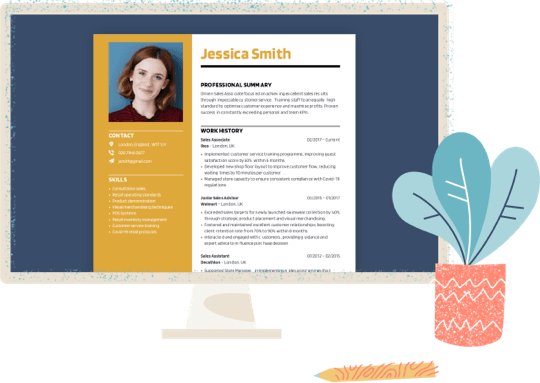
- Choose a professionally designed UK CV template
- Add expertly written, tried-and-tested phrases
- Download your CV and apply!
*The names and logos of the companies referred to above are all trademarks of their respective holders. Unless specifically stated otherwise, such references are not intended to imply any affiliation or association with myperfectCV.